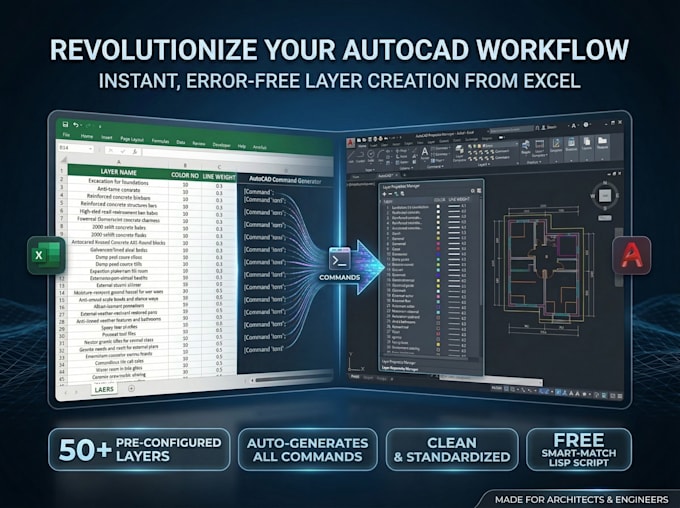
STOP CREATING AUTOCAD LAYERS MANUALLY!
As a QS & Engineer, Ive built a Powerful Excel Tool & LISP Script to automate your layer setup instantly.
BONUS: Smart-Match LISP Script (Command: II)
- Auto-Match: Moves objects to correct layers by reading their text.
- Clean Text: Auto-removes MText codes & (%%) symbols.
- Consistency: 100% naming accuracy between Excel & CAD.
## How it works:
- Input: Enter Names, Colors & Lineweights in Excel.
- Generate: Tool creates a professional command string.
- Paste: Run the code in AutoCAD to create all layers.
- Organize: Use the "II" LISP to sort your drawing in seconds.
## Why this system?
- Save 90% Time: Focus on design, not management.
- Error-Free: No typos or inconsistent standards.
- Standardization: Apply office standards to any project.
## What you get:
- BASIC: 50 Layers + Smart-Match LISP.
- STANDARD: 200 Layers + LISP + Video Guide.
- PREMIUM: 1000 Layers + LISP + Full Setup & Follow-up.
- Perfect for Architects, Engineers, and QS Professionals. Order now and revolutionize your AutoCAD workflow!