Browse categories
English
$
USD
Connect to your AI
Level 1
Has met certain performance criteria and shows strong potential in the marketplace.
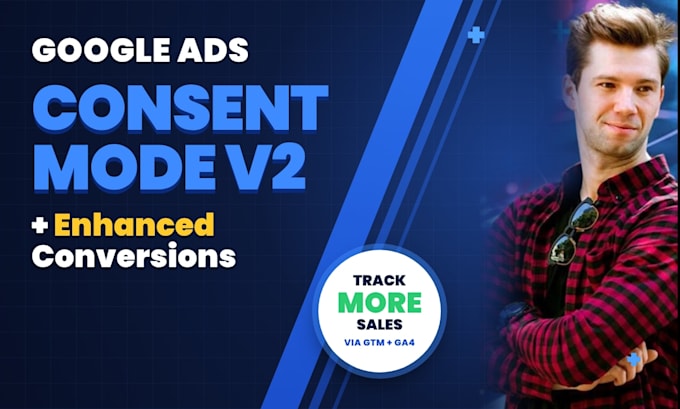
Is Google Ads missing conversions, or are you getting "Consent Mode" warnings?
Since March 2024, Google requires Consent Mode v2 for ads shown to users in the EEA and UK. Without it, and without Enhanced Conversions, you lose conversion data and Smart Bidding gets weaker. I'll set both up correctly so your tracking is accurate and privacy-compliant.
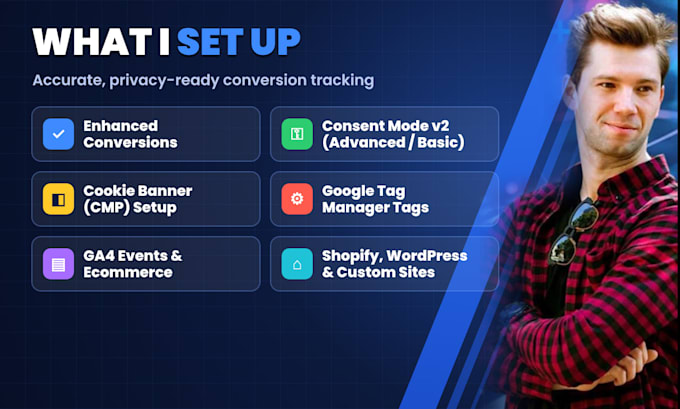
What I set up:
What you get:
Why work with me:
Not sure what you need? Message me before ordering and I'll check your current setup.



Do I need Consent Mode v2?
If your ads reach users in the EEA or UK, yes. Google requires it to keep using their data for measurement, remarketing and personalized ads.
What are Enhanced Conversions?
They send hashed customer data, like email, to Google so it can match more conversions. This usually improves reporting accuracy and Smart Bidding.
What access do you need?
Admin access to Google Tag Manager, Standard access to Google Ads, Editor access to GA4, and access to your website or cookie banner tool if needed.
Which cookie banners do you work with?
Google-certified CMPs like Cookiebot, CookieYes, Complianz and Usercentrics. If you don't have one yet, the Premium package includes setting one up.
Will this break my existing tracking?
No. I review your current setup first, test everything in GTM preview mode, and only publish once it works.