Browse categories
Explore
Fiverr Pro
English
$
USD


Hello!
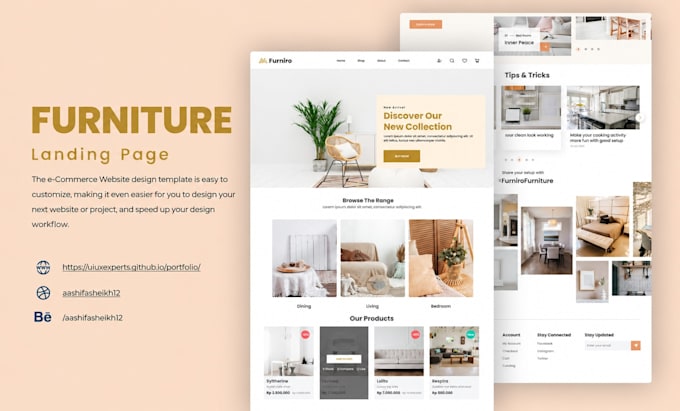
Looking for a frontend developer to turn your Figma design into a responsive webpage? Youre in the right place!
I will accurately convert your Figma design into HTML, CSS, Tailwind CSS, or Bootstrap, with optional Frontend JavaScript for interactive features and animations.
I focus on creating clean, responsive, SEO-friendly, and pixel-accurate webpages that closely follow your original design and provide a smooth experience across desktop, tablet, and mobile devices.
What Youll Get
Why Choose Me?
Feel free to message me. I can check your Figma design for free and help you determine the best package.
Frontend Web Developer
Languages
1. Can you accurately convert my Figma design into HTML?
Yes. I will accurately recreate your Figma design as a responsive webpage for desktop, tablet, and mobile devices.
2. Which technologies do you use?
I can use HTML, CSS, Tailwind CSS, or Bootstrap, with Frontend JavaScript when included in the selected package.
3. Will my webpage be responsive?
Yes. I will make your webpage responsive and optimized for different screen sizes, including desktop, tablet, and mobile.
4. What does SEO-friendly mean?
SEO-friendly means using basic on-page SEO practices such as semantic HTML, proper headings, page titles and metadata, image alt text, clean code, and responsive design. It does not include keyword research, backlinks, content strategy, or ranking guarantees.
5. What does Frontend JavaScript include?
Frontend JavaScript is used for interactive features that run in the visitor's browser, such as menus, sliders, tabs, accordions, popups, form validation, buttons, and other interactive elements. It does not include backend development, databases, or server-side functionality.
6. What types of animations can you create?
I can add modern animations and interactive effects such as hover states, smooth transitions, scroll reveals, slide, fade, and scale effects, interactive buttons and cards, animated menus, tabs, modals, counters, parallax, and micro-interactions while keeping the page responsive and performant.
7. Can I request additional features?
Yes. If you need a feature that is not specifically listed in the package, message me before ordering. I will check whether I can implement it and let you know if an additional charge is required.
8. Can you convert a multi-section Figma design?
Yes. Standard and Premium packages support 3+ sections. For larger or more complex designs, feel free to message me first and I’ll review your Figma design for free and let you know the best package or provide a custom offer.
9. What do I need to provide?
Please provide your Figma design link and make sure it allows viewing access. If any assets are not accessible through the Figma file, you may need to provide them separately.
10. What is considered a revision?
A revision can include reasonable corrections or adjustments to match the original Figma design, such as text sizes, colors, spacing, images, or responsive layout issues. New sections, features, redesigns, or additional functionality are considered new work.
