Browse categories
English
$
USD
Connect to your AI



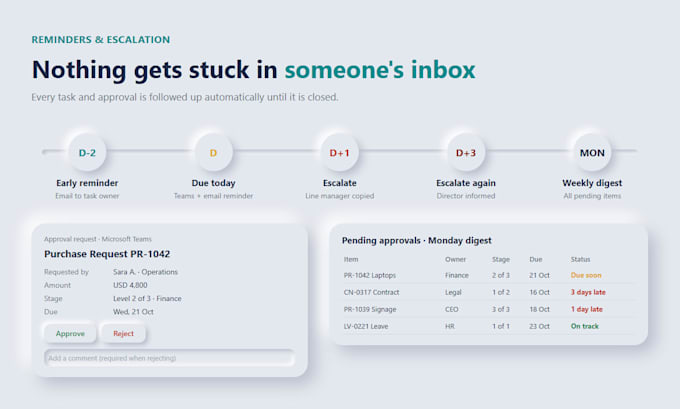
Approvals stuck in someone's inbox? Tasks that slip because nobody followed up? I'll build Power Automate workflows in your Microsoft 365 that route, remind and escalate automatically.
What I build:
Why me: I design and run multi-level document approval systems, reminder flows and daily pending-item digests that teams use every day, plus 16+ years in business operations and an MBA. I build around your process, not a template.
How it works: you describe the process (who approves what, deadlines, rules), I map it, build and test it, then hand it over with a short guide and walkthrough.
Please message me before ordering so I can confirm the right package.
Power BI, Excel and Power Automate Expert for Retail and Real Estate
Languages
Do you need access to my Microsoft 365?
Either works. I can build in your tenant with a guest or user account, or build it in my environment and hand over an importable solution file with a walkthrough call.
Which licence do I need?
Most approval flows work with standard Microsoft 365 licences. Premium connectors (e.g. SQL, HTTP) need Power Automate Premium. I'll tell you before starting.
Can approvals work on mobile?
Yes. Approvers can approve or reject in Teams, Outlook or the Power Automate mobile app.
Can it follow my existing process?
Yes. Share your current steps, approvers and rules. I map them first and confirm with you before building.
What happens if an approver is on leave?
I can add automatic reassignment or escalation to a manager after a set number of days.
Do I own the flows?
Yes. Everything is delivered as an editable solution in your own account.