Browse categories
English
$
USD
Connect to your AI
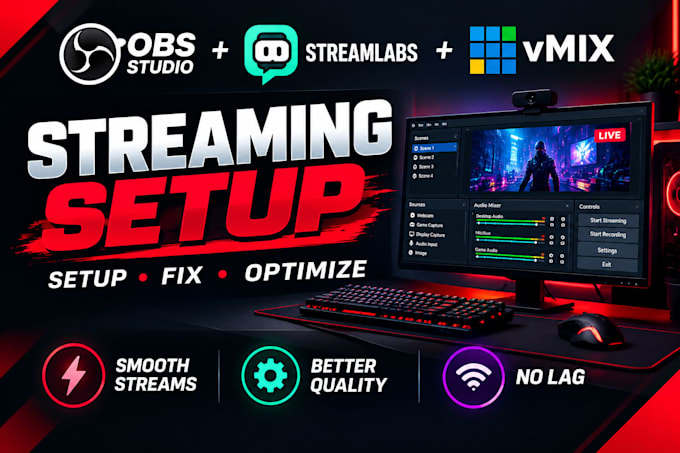
Need help setting up OBS Studio or Streamlabs for a smooth, professional livestream?
I will set up, configure, troubleshoot, and optimize your streaming software to match your equipment, content, and streaming platform.
MY SERVICES INCLUDE:
SUPPORTED PLATFORMS: Twitch, YouTube Live, Kick, TikTok LIVE, Facebook Live and Whatnot.
Whether you're starting from scratch, fixing an existing setup, or improving your stream quality, I'll configure the services included in your selected package and test the agreed setup before delivery.
Please message me before ordering if you have a specific technical issue or need a custom configuration. Tell me your software, platform, and setup goals so I can recommend the right package.
THANKS
Software:
OBS Studio
Platform:
•
Twitch
•
YouTube
•
Kick
•
Other
Purpose:
Gaming
•
Music
•
Lifestyle
•
Business
•
News
•
Webinar
1. Can you set up OBS Studio or Streamlabs from scratch?
Yes! I can help install and configure your selected software, set up the agreed scenes and sources, connect your audio and video devices, and prepare your streaming settings according to your package.
2. Can you fix OBS black screens, lag, dropped frames, or audio problems?
Yes. I can troubleshoot common OBS Studio and Streamlabs issues, including black screens, missing audio, lag, and dropped frames. The solution depends on your computer, software, equipment, and the cause of the issue.
3. Which streaming platforms do you support?
I support Twitch, YouTube Live, Kick, TikTok LIVE, Facebook Live, Whatnot, and compatible custom RTMP destinations. Requirements can vary by platform and account access.
4. Can you set up OBS for Whatnot vertical streams, auctions, and card breaks?
Yes. I can configure a suitable vertical streaming layout for Whatnot auctions, card breaks, and product-selling streams, depending on your equipment and the features included in your selected package.
5. Can you set up my webcam, microphone, capture card, and audio?
Yes. I can help configure compatible cameras, microphones, capture cards, audio sources, and routing included in your selected package.
6. Do you provide custom scenes, overlays, and alerts?
I can configure scenes, sources, and integrate your existing overlays and alerts. Custom graphic design or advanced scene creation is included only when specified in your selected package.
7. Can you optimize OBS for my PC and internet connection?
Yes. I can adjust suitable resolution, frame rate, bitrate, encoder, and recording settings based on your hardware and connection. Actual streaming performance also depends on your system and network.
8. What do you need from me to get started?
Please provide your streaming platform, OBS Studio or Streamlabs version, computer specifications, connected equipment, and a short description of your goal or issue. Screenshots or error messages can also help.
9. What if I need changes or have problems after delivery?
Your package includes the revisions stated in the offer. If something covered by the agreed scope needs adjustment, message me through Fiverr with the details so I can review it. New features or additional work may require a separate order