Browse categories
English
$
USD
Connect to your AI
Professional OBS Audio and Streaming Specialist
Is your streaming audio messy, delayed, missing, or routed to the wrong place?
You're in the right place
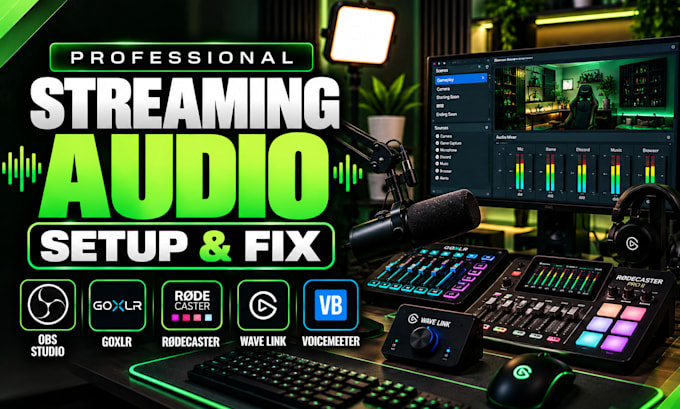
I help streamers, gamers, creators, and podcasters build clean, reliable audio systems for OBS Studio and live streaming.
I can configure and troubleshoot:
Your setup will be configured around your actual hardware, software, and streaming workflow instead of generic settings.
Whether you are starting from scratch or your existing audio system is giving you problems, I can diagnose the signal path, configure the correct routing, balance sources, optimize monitoring, and test everything before you go live.
Tell me your equipment, streaming platform, and audio problem. I will help you build a clean, reliable audio workflow that is easier to manage and ready for your next stream, with confidence.

Software:
OBS Studio
Platform:
•
Twitch
•
YouTube
•
GosuGamers
•
Kick
Purpose:
Gaming
•
Music
•
Streamshare
1. Can you set up GoXLR or GoXLR Mini for my stream?
Yes. I can configure GoXLR or GoXLR Mini for your microphone, game, Discord, music, browser, monitoring, and OBS audio. I can also troubleshoot routing, levels, mute controls, monitoring, and unwanted audio so your setup works correctly during streaming.
2. Can you configure RØDECaster Pro II or Duo for streaming?
Yes. I can configure your RØDECaster Pro II or Duo for professional streaming audio, including microphone processing, USB routing, game audio, Discord, music, monitoring, and OBS. I can also troubleshoot routing problems and test the complete signal path.
3. Can you set up Wave Link and Voicemeeter with OBS?
Yes. I can configure Wave Link or Voicemeeter Banana/Potato with OBS and route your microphone, game, Discord, music, browser, and desktop audio correctly. I can also troubleshoot monitoring, virtual devices, conflicts, echo, duplicated audio, and missing signals.
4. Can you fix echo, double audio, or microphone monitoring?
Yes. I can diagnose echo, doubled audio, unwanted microphone monitoring, feedback, delay, and incorrect device routing. I will trace the audio path through OBS, Windows, your mixer or interface, and monitoring devices to identify and correct the actual cause.
5. Can you separate game, Discord, music, and microphone audio?
Yes. I can create a clean audio workflow that separates your microphone, game, Discord, music, browser, and other sources where your hardware and software support it. I can also configure monitoring and stream/VOD tracks around your preferred workflow.
6. Can you work with Scarlett, Focusrite, USB, or XLR microphones?
Yes. I can configure supported Scarlett, Focusrite, USB, and XLR microphone setups with OBS and your streaming audio system. I can help with input selection, gain, monitoring, routing, levels, and device conflicts so your microphone stays clean and reliable.
7. Can you fix an existing audio setup instead of starting over?
Absolutely. I can inspect your current audio workflow, keep the parts that already work, identify the problem, and correct the routing or settings. This is ideal if your setup has echo, missing audio, monitoring issues, delays, or device conflicts too.
