Browse categories
Explore
Fiverr Pro
English
$
USD
Helping Brands Stream Better With Zero Technical Issues
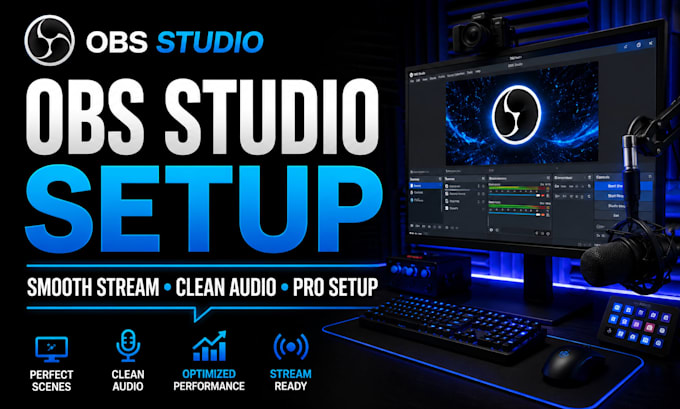
Need help building a smooth, professional OBS Studio setup for streaming or recording?
A properly configured OBS setup helps you avoid poor quality, audio issues, confusing settings, and unstable streams.
This service is designed for Twitch, YouTube, Kick, Facebook Live, Whatnot, and creators who want a clean and reliable streaming workflow.
What you get:
OBS Studio installation and configuration
Scene and source setup
Webcam and microphone setup
Audio filters and stream optimization
Encoder, bitrate, and resolution tuning
Recording and streaming setup
Alerts and overlay integration
Performance optimization for smoother streams
Final testing before going live
The goal is simple: better video quality, cleaner audio, smoother performance, and an easier streaming workflow.
Whether you are just starting or improving an existing setup, your OBS Studio configuration will be optimized around your equipment, platform, and content goals.
Need Stream Deck setup, advanced audio routing, dual PC streaming, or custom overlays? Message me before ordering so I can recommend the right package.
Software:
OBS Studio
Purpose:
Gaming
•
Music
•
Lifestyle
•
Business
•
News
•
Streamshare
•
Webinar
What do you need from me to get started?
Please send your computer specs, camera, microphone, streaming platform, and explain what you want your OBS setup to do.
Can you set up OBS for Twitch, YouTube, and other platforms?
Yes. OBS can be configured for Twitch, YouTube, Kick, Facebook Live, Whatnot, and other streaming workflows.
Can you add overlays, alerts, and scenes?
Yes. OBS scenes, overlays, alerts, and source organization can be included depending on the package.
Do you also support advanced tools like Stream Deck or GoXLR?
Yes. Advanced setups can include Stream Deck, GoXLR, audio routing, and more complex streaming workflows.
