Browse categories
Explore
Fiverr Pro
English
$
USD
Power BI Specialist, Excel VBA and Web Developer
Professional Excel VBA & Macro Automation Services
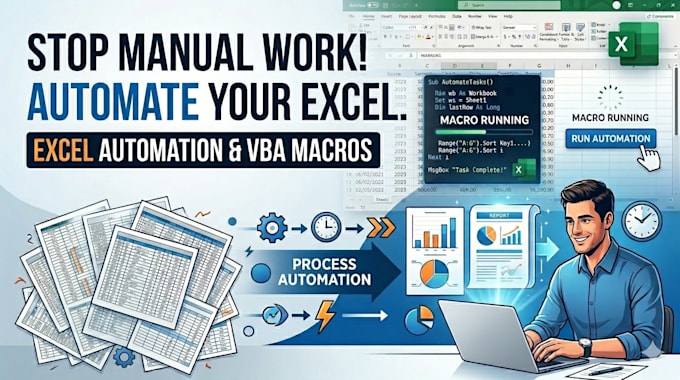
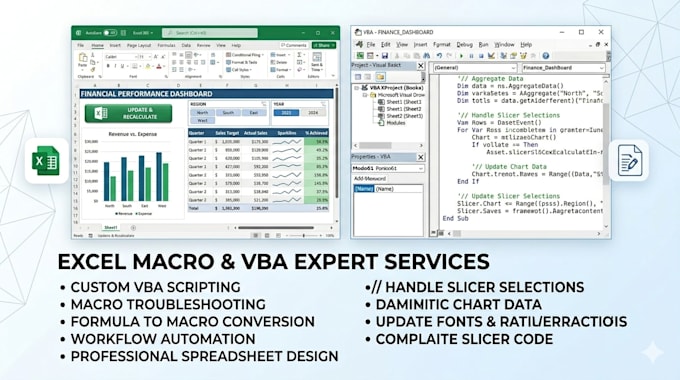
Stop wasting hours on repetitive tasks. I provide high-end Excel VBA and Macro development to transform your messy spreadsheets into powerful, automated tools. Whether you need to clean data, generate complex reports, or build a custom dashboard, Ive got you covered.
What I Offer:
Why Choose This Gig?
Ready to reclaim your time? Send me a message with your requirements, and lets build a smarter spreadsheet today!


Platform:
Excel
•
Google Sheets
•
VBA
Development technology:
VBA
•
Excel
•
DAX
Expertise:
Formatting
•
Fixing
•
Forms
•
Macros
•
Power Query
Will your VBA macros work on both Windows and Mac?
Most VBA scripts are compatible with both. However, certain advanced features (like UserForms or specific File System Objects) may behave differently on macOS. Please mention your operating system during our initial chat so I can optimize the code specifically for your environment.
Can you automate a process that involves multiple different files?
Yes. I can develop "Master Macros" that pull data from various sources (Excel, CSV, or Text files), process the information according to your rules, and generate a consolidated report or separate files automatically.
I am not a technical person. How will I run the macro?
I prioritize user experience. I typically integrate a custom "Run" button directly onto your spreadsheet or create a dedicated ribbon tab. I also provide a PDF guide explaining exactly how to use the automation.
Is it safe to enable macros in my file?
Yes. I write clean, documented code without any hidden or harmful scripts. To ensure your security, I always recommend keeping a backup of your original data. You can also view the source code yourself to see exactly what the macro is doing.