Browse categories
Explore
Fiverr Pro
English
$
USD
CRM AUTOMATION
GOOGLE WORKSPACE MIGRATION MICROSOFT 365 GODADDY EMAIL IMAP MOVE MAILBOXES
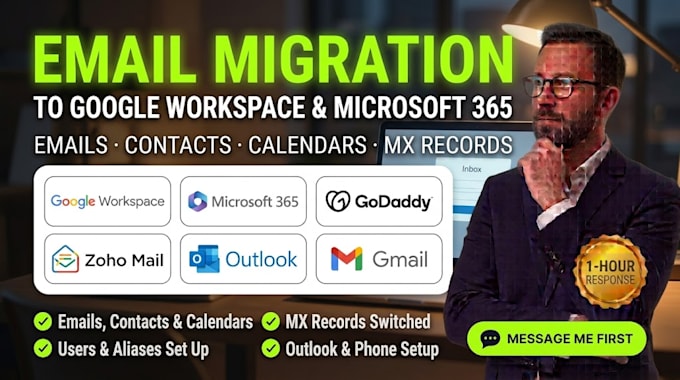
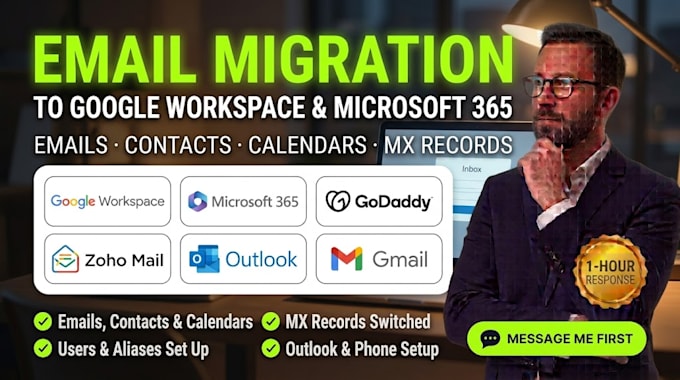
Moving your business email to a new provider and worried about losing emails, contacts or a day of downtime?
I move your mailboxes to Google Workspace or Microsoft 365 from GoDaddy, cPanel, Zoho, Yahoo, Gmail or any IMAP provider, with a plan that keeps your team working.
What you get:
1-hour response | Every migration checked before delivery
Platforms I work with:
Google Workspace Microsoft 365 GoDaddy Email Exchange Online IMAP cPanel Zoho Mail Yahoo Mail Gmail Outlook Namecheap Cloudflare Bluehost IONOS Titan Email Rackspace Email Fastmail Proton Mail Hostinger HostGator SiteGround Wix AOL Mail iCloud Mail Roundcube Apple Mail Thunderbird PST Files MX Records Route 53 Google Admin SPF DKIM DMARCARC
Message me before ordering. Tell me your current provider, where you are moving and how many mailboxes. I'll confirm scope within the hour.


Email Provider:
Gmail
•
Yahoo
•
Microsoft Outlook
•
Zoho
•
Webmail
Expertise:
Security
•
IMAP
•
Setup
•
Configuration
•
Migration
Which email providers can you move?
GoDaddy email, cPanel and hosting email, Zoho Mail, Yahoo, Gmail, Outlook.com, Rackspace, IONOS, Fastmail or any IMAP server moved into Google Workspace or Microsoft 365, or between those two.
Will my email stop working during the move?
Mail keeps arriving. I lower DNS timing first, move old mail, switch MX records at a time we agree, keep forwarding on, then sync the final changes. A short delay can happen while DNS updates, so I cannot promise zero delay.
What gets moved?
Emails, folders, contacts and calendars where the provider supports it. Rules, signatures and shared permissions are rebuilt by hand, and PST or archive files can be imported on request.
What do you need from me?
Domain and DNS access, plus admin access to the new system and a list of mailboxes. Some providers need each mailbox password or a temporary app password, which you reset afterward. I never keep copies of your mail.
Can you set up the new accounts too?
Yes. Users, aliases, groups, shared mailboxes, SPF, DKIM and DMARC records, and setup on Outlook, Gmail and phones. Google or Microsoft plans are paid to them from your own account, so you keep full ownership.