Browse categories
English
$
USD
Connect to your AI
Turning Ideas into Reality with Precision and Passion!
Level 1
Has met certain performance criteria and shows strong potential in the marketplace.
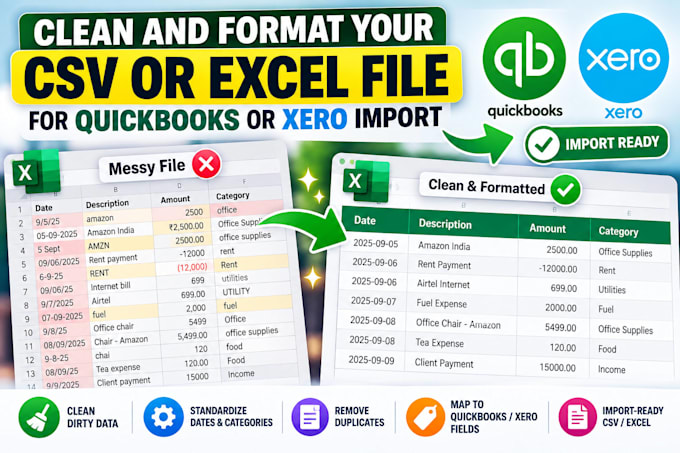
Getting "invalid date", "amount not recognized" or column errors when you import into QuickBooks or Xero? I fix your CSV or Excel file so it imports the first time.
What I fix:
- Date formats your software accepts
- Amounts with currency symbols, commas or brackets
- Debit and credit split or combined, exactly as your template needs
- Column order and headers matched to the import template
- Blank rows, duplicates and broken characters removed
Works with bank exports, credit card exports, sales reports and other bookkeeping files.
Send a sample file and tell me which software and import screen you're using.

Which software do you support?
QuickBooks Online, QuickBooks Desktop and Xero. Other accounting tools that accept CSV imports usually work too; send me their import template.
Will you change my numbers?
No. I only fix formats and layout. Every amount stays exactly as in your file, and I check that the totals match before delivery.
Can you combine several bank exports into one file?
Yes. The Catch-up package merges up to 10 files, removes duplicates and keeps everything in date order.
Is my data safe?
Your files are used only for your order and deleted once it is complete.