Browse categories
Explore
Fiverr Pro
English
$
USD

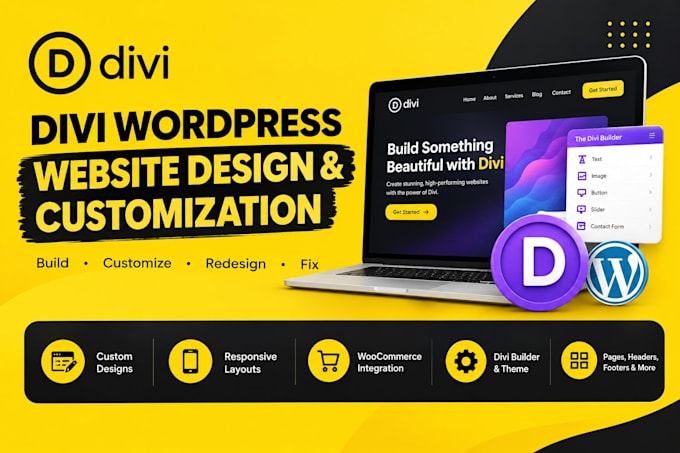

Your Divi WordPress website should look professional, work smoothly, and reflect your actual businessnot feel like a basic demo template. If you're dealing with difficult layouts, responsive issues, outdated Divi designs, or need help customizing your Divi theme, I can provide reliable Divi support.
I specialize in Divi, Divi Builder, and Divi Theme Builder, helping you build, customize, redesign, and improve your Divi website. I can create custom pages, landing pages, headers, footers, blog layouts, WooCommerce sections, contact forms, pop-ups, and responsive designs.
I can also help with Divi 5 migration, rebuilding older Divi layouts, fixing broken sections, improving mobile responsiveness, customizing styling, and resolving Divi-related issues.
Whether you need a complete Divi WordPress website, a professional redesign, or specific Divi customization, I focus on clean layouts, usability, performance, and designs built around your requirements.
If you need a reliable Divi expert for your WordPress website, send me your requirements and let's get started.
Please be aware that it is against Fiverr's policies for sellers to include themes, templates, or any other elements that infringe third-party rights or applicable laws in the delivered work. Read more about in our Guide to Responsible Digital Creation.
wordpress divi exert, i fix wordpress issues
Languages
Can you build a Divi WordPress website from scratch?
Yes. I can design and build a complete Divi WordPress website from scratch, including custom pages, responsive layouts, headers, footers, navigation, contact forms, and other sections based on your requirements.
Can you customize my existing Divi website?
Yes. I can customize your existing Divi website and Divi theme, including layouts, colors, typography, spacing, sections, responsive settings, and other design elements.
Can you work with the Divi Builder and Theme Builder?
Yes. I work with both the Divi Builder and Divi Theme Builder to create custom pages, templates, headers, footers, blog layouts, archive pages, 404 pages, and WooCommerce layouts.
Do you provide ongoing WordPress maintenance?
Yes. I offer both one-time fixes and ongoing WordPress maintenance to keep your website updated, secure, backed up, and running smoothly. Regular maintenance helps prevent future issues and improves website performance.
Can you update plugins and themes without breaking my website?
Absolutely. Before making updates, I follow safe update practices and check for compatibility issues. If needed, I create a backup first so your website remains protected throughout the process.
Can you help with Divi 5 migration?
Yes. I can help move or rebuild your existing website for Divi 5, including reviewing layouts, customizing sections, fixing responsive issues, and adapting your website to the newer Divi environment.
Can you fix issues on my Divi WordPress website?
Yes. I can troubleshoot Divi website issues, including broken layouts, responsive problems, styling issues, spacing problems, and sections that are not displaying correctly
Do you work with WooCommerce websites?
Yes. I provide maintenance and support for WooCommerce websites, including fixing checkout errors, payment issues, product display problems, plugin conflicts, and other store-related bugs.
