Browse categories
Explore
Fiverr Pro
English
$
USD
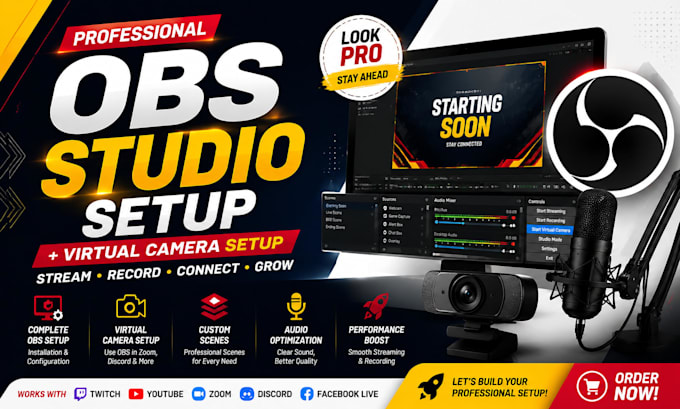
Are you looking for a professional OBS Studio setup that makes your livestream, online meetings, gaming streams, webinars, or content creation look clean and professional?
I will help you configure OBS Studio, virtual camera, scenes, sources, overlays, audio settings, and streaming features to create a smooth and reliable broadcasting experience.
With my OBS expertise, I can set up your system for platforms like Twitch, YouTube Live, Zoom, Discord, Google Meet, Facebook Live, and other streaming platforms.
My OBS Studio services include:
Ready to upgrade your livestream and virtual camera experience? Place your order today and lets build your professional OBS Studio setup.


Software:
OBS Studio
Purpose:
Gaming
•
Music
•
Lifestyle
•
Business
•
News
•
Streamshare
•
Webinar
Q: What do I need before ordering?
A: You need OBS Studio installed (or I can guide you), a computer, and your webcam/microphone details.
Q: Can you set up OBS for Twitch, YouTube, or Zoom?
A: Yes, I can configure OBS Studio for Twitch, YouTube Live, Zoom, Discord, and other platforms.
Q: Can you fix OBS errors or streaming problems?
A: Yes, I can troubleshoot OBS issues, connection problems, audio errors, and performance settings.
Q: What is OBS Virtual Camera setup?
A: OBS Virtual Camera allows you to use your OBS scenes, webcam effects, and layouts in apps like Zoom and Discord.
Q: Can you create custom OBS scenes?
A: Yes, I can set up professional scenes such as Starting Soon, Live, BRB, and Ending screens.
Q: Do I need advanced technical knowledge?
A: No. I will guide you through the setup and make everything easy to understand.
Q: Will my stream quality improve after setup?
A: Yes, I optimize OBS settings based on your system to improve performance and streaming quality.