Browse categories
English
$
USD
Connect to your AI




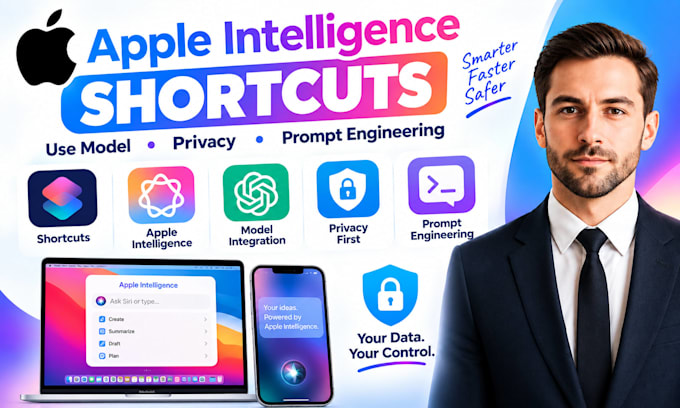
Imagine a shortcut that understands your messages, notes, photos and files, writes and decides with Apple Intelligences Use Model action, and keeps your data private while doing it. Thats what I build.
Im an Apple Shortcuts developer building privacy-first Apple Intelligence workflows with prompts engineered to give consistent, useful results on iPhone, iPad & Mac.
Services I offer:
Alternative platforms I work with:
ChatGPT, Claude, Gemini, OpenAI API, Zapier, Make, n8n, Raycast, Alfred, Notion, Airtable
Ready for smart, private shortcuts on your Apple devices?
Message me now lets build today
Apple Shortcuts Specialist iPhone Mac and API Automation
Languages
What does the “Use Model” action do?
It lets a shortcut send text, and in some cases other content, to an Apple Intelligence model or a connected model, then use the response in the rest of the workflow, for example to rewrite, summarize, classify or decide.
How is my data kept private?
You choose the model for each step. On-device processing keeps data on your device. Apple states that Private Cloud Compute is designed not to store your data. If you choose the ChatGPT extension, data goes to OpenAI under its terms. I design each workflow around your privacy needs.
Which devices and regions are supported?
Apple Intelligence requires supported hardware, such as iPhone 15 Pro or newer and iPads and Macs with M-series chips, plus a recent OS version. Availability varies by region and language, so I’ll confirm yours first.
What does prompt engineering add?
Clear instructions, examples and output formats make results more consistent and useful. I tune prompts against your real inputs, because AI output can vary.
Can I get structured output for other apps?
Yes. Prompts can return JSON or lists that the shortcut saves to Notes or Files, or sends to tools like Notion and Airtable through an API or webhook.
Can it analyze images or screenshots?
Where the selected model and your OS version support it. I’ll confirm capabilities for your device and use case before building.