Browse categories
English
$
USD
Connect to your AI




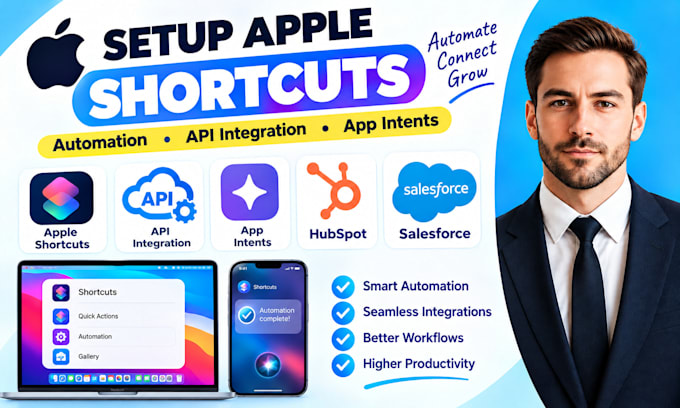
Imagine logging a call, creating a lead or updating a deal in HubSpot or Salesforce with one tap or a Siri phrase, no app-hopping, no typing. With custom Apple Shortcuts and API integrations, thats what I build.
Im an Apple Shortcuts developer connecting HubSpot & Salesforce to your iPhone, iPad & Mac through API integrations and App Intents, so your sales team captures data fast.
Services I offer:
Alternative platforms I work with:
Pipedrive, Zoho CRM, GoHighLevel, Close CRM, Monday CRM, Airtable, Notion, ClickUp, Slack, Zapier, Make, n8n
Ready to update your CRM in one tap?
Message me now lets build your shortcuts today!
Apple Shortcuts Specialist iPhone Mac and API Automation
Languages
What are App Intents, and how do they relate to shortcuts?
App Intents is Apple’s framework that lets apps expose actions to Shortcuts, Siri and Spotlight. If your CRM’s iOS app offers App Intents, I use them. Where it doesn’t, I connect through the CRM’s API instead. Building a new App Intents extension inside a native app is separate development
Can a shortcut create leads or log calls in HubSpot and Salesforce?
Yes. Shortcuts can call the HubSpot and Salesforce APIs to create and update contacts, leads, deals, tasks and notes using the fields you choose.
How does authentication work?
Through a private app token or OAuth, depending on the CRM. I use scoped, revocable credentials, and I recommend rotating them after delivery. Salesforce setups usually require a connected app and admin access.
Can I trigger it with Siri or the Action Button?
Yes. Siri phrases, Home Screen icons, widgets, Control Center, the Share Sheet and the Action Button on supported iPhones can all be used.
Can it capture voice notes or a photo of a business card?
Yes. A shortcut can dictate a note or read text from a photo and create or update a record. Text recognition isn’t perfect, so I add a review step before saving.