Browse categories
English
$
USD
Connect to your AI






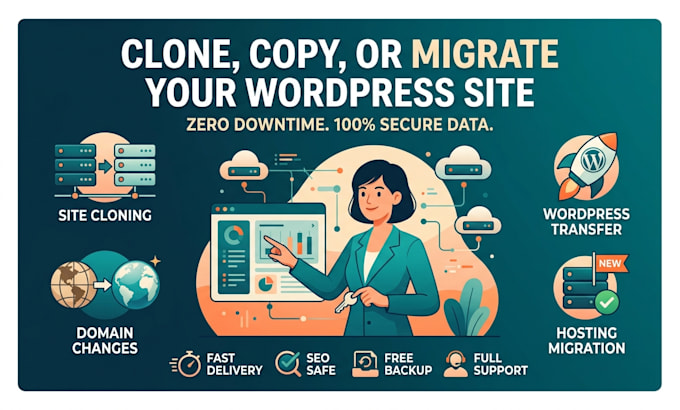
Are you moving to a faster host, changing your domain name, or needing an exact duplicate of your online store or platform? I will safely copy, clone, and migrate your WordPress installation with ZERO downtime and 100% data integrity!
Moving your online setup can be riskybroken links, missing database entries, damaged layouts, or lost SEO rankings are common pitfalls if not handled professionally. I ensure a smooth, seamless transfer where every file, media asset, plugin, database table, and permalink remains completely intact.
️ Services Offered in This Gig:
Please be aware that it is against Fiverr's policies for sellers to include themes, templates, or any other elements that infringe third-party rights or applicable laws in the delivered work. Read more about in our Guide to Responsible Digital Creation.
WordPress Expert, WooCommerce, Elementor, Divi and Site Migration
Languages
1. Will my website experience any downtime during the migration process?
No, absolutely not. I handle the migration in a way that keeps your current site fully operational. Your visitors will experience zero downtime, and your site will transition smoothly to the new host or domain.
2. What login details do you need to start the migration or cloning process?
To complete the migration safely, I will need: WordPress Admin access (wp-admin). Hosting Panel/cPanel access for both the source (current) and target (new) hosting accounts. Domain Registrar access (if changing DNS/NameServers).
3. Will I lose my Google SEO rankings or website traffic after moving to a new domain?
If you are changing your domain, I set up 301 permanent redirects and update database URL strings so Google indexes your new URLs properly. If you are only changing hosting providers, your SEO remains completely unaffected.
4. Can you clone a website to a staging environment or subdomain for testing?
Yes! I can duplicate your live website to a staging environment (e.g., staging.yourdomain.com) or a local development environment so you can test new themes, updates, or design changes safely.
5. How long does a website migration take?
Most standard website transfers and cloning tasks are completed within 2 to 8 hours depending on your site size and server upload/download speeds. All orders carry a 24-hour max delivery guarantee.
6. Can you transfer WooCommerce or e-commerce websites with large databases?
Yes. E-commerce migrations require extra care to make sure customer records, orders, product images, and payment gateway configurations remain 100% intact. I perform a full database check after the transfer to verify all transaction records.
7. What if my target host uses a non-cPanel platform like Cloudways, SiteGround, or Hostinger?
No problem! I work with all hosting platforms including cPanel, Plesk, Cloudways, SiteGround, Hostinger, Bluehost, Namecheap, WP Engine, Kinsta, DigitalOcean, and custom VPS servers.