Browse categories
English
$
USD
Connect to your AI
Turning Complex Setups Into Seamless Streams
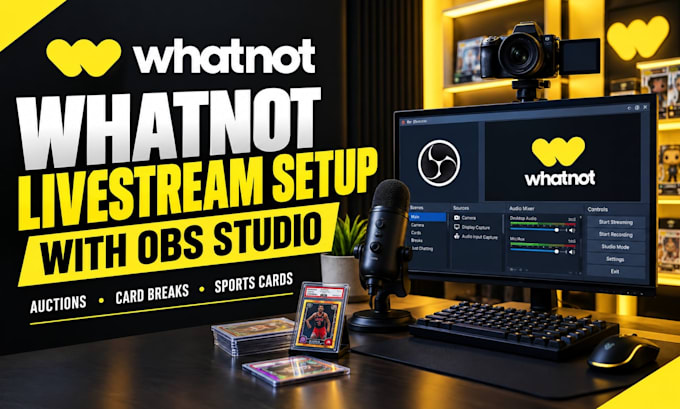
Want to sell on Whatnot with OBS Studio? I can help you prepare your livestream with an organized setup.
I will help configure OBS Studio for your Whatnot stream, including your camera, microphone, audio, scenes and display settings for your package.
WHAT I CAN HELP WITH:
WHY CHOOSE ME?
BEFORE YOU ORDER
Message me with your operating system, current OBS setup, camera and microphone details, and what you need help with. This helps me confirm the right package for you.
PLEASE NOTE
Your computer, equipment, internet and Whatnot account must meet platform requirements. Custom overlays, advanced graphics, extra software and complex troubleshooting may require a custom offer. Never send your password; handle private account actions yourself and handle connection details securely.
Let's get your Whatnot stream ready!
Software:
OBS Studio
Platform:
•
Twitch
•
YouTube
•
DLive
•
Bigo Live
•
Hitbox
•
Kick
Purpose:
Gaming
•
Music
•
Lifestyle
•
Business
•
News
•
Streamshare
1. Can you connect OBS Studio to Whatnot?
Yes, I can help configure OBS Studio for your Whatnot livestream using the connection method available to your account and show. Please tell me about your current setup and any errors first so I can confirm compatibility before you place your order.
2. Do I need OBS Studio installed before ordering?
Having OBS Studio installed is helpful, but I can discuss installation assistance if needed. Please tell me whether you use Windows or macOS and describe your current setup so I can confirm what is included in your selected package before you order.
3. Can you set up my camera and microphone?
Yes, I can help configure compatible camera and microphone sources in OBS Studio, adjust basic audio levels, and organize your scene. Please tell me which devices you use so I can confirm compatibility and the work included in your package.
4. Can you create custom overlays and graphics?
I can help arrange OBS scenes and sources according to your selected package. Custom overlays, branded graphics, animations, and advanced effects may cost extra. Please message me with your ideas so I can confirm the scope and price before you order.
5. Do I need to share my Whatnot password?
No, never send me your Whatnot password or private login details. You should sign in yourself and handle account actions securely. If connection details are required, follow Whatnot's official guidance and share only what is necessary for the agreed setup.
6. Can you guarantee my livestream will work perfectly?
I will configure and check the agreed OBS settings carefully, but flawless streaming cannot be guaranteed. Performance depends on your computer, equipment, internet connection, and Whatnot requirements. I will explain any issues I identify during the agreed setup and testing.
