Browse categories
English
$
USD
Connect to your AI

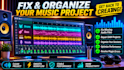
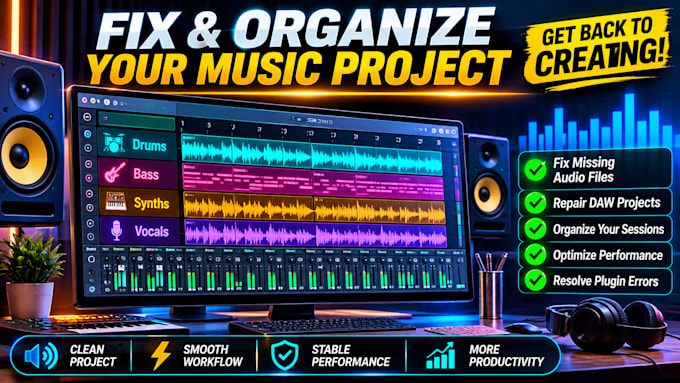
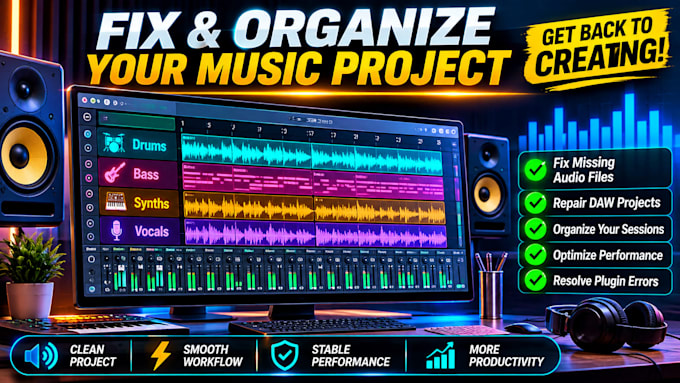
Blank project. Blinking cursor. Before you write a single note, you're routing channels, color-coding tracks and fighting CPU spikes from heavy plugins. By the time you're ready to create, the idea is gone.
I fix that with a custom starter template built around your workflow.
WHAT YOU GET
HOW IT WORKS
1. Tell me your DAW, version, plugins and genre.
2. I build and test your template.
3. You open it and start creating.
WHY IT MATTERS
Less setup means more time on ideas. Skip the busywork and begin every new project in seconds, with your layout and plugins ready.
GOOD TO KNOW
I only use plugins you already own. Results depend on your system and plugin list.
Message me before ordering with your DAW and plugin list and I'll confirm it's a fit.
Social Sound Readiness Specialist
Languages
Which DAWs do you support?
FL Studio, Ableton Live and Logic Pro. Tell me your exact version when ordering so the template opens cleanly. Using a different DAW? Message me first and I’ll confirm before you order.
How do you handle my third-party plugins?
I only use plugins you already own and list for me. I never supply or share plugins. If one is missing on your system, your DAW will flag it, and I’ll note a stock alternative inside the template.
How does optimized routing stop my DAW from crashing?
It lowers the load on your CPU. Shared buses and sends replace duplicate heavy plugins, and demanding effects sit where they cost least. That reduces overloads and dropouts, but no template can fix a buggy plugin.