Browse categories
English
$
USD
Connect to your AI
Excel VBA Automation Specialist
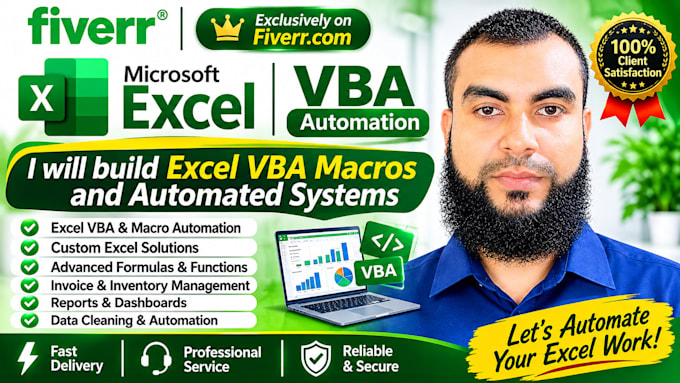
Are you looking for a reliable and customized Microsoft Excel solution for your business?
I will help you create professional, user-friendly, and efficient Excel systems to simplify your daily tasks and manage your data.
My Services Include:
Why Choose My Services?
Please Contact Me Before Placing an Order to discuss your requirements and find the best Excel solution for your needs.
Let's make your Excel work easier, faster, and more efficient!


Platform:
Excel
•
Google Sheets
•
Microsoft Office
Development technology:
VBA
•
Power Query
•
Excel
Expertise:
Formatting
•
Fixing
•
Formulas
•
Macros
•
Cleaning
What information do you need to start my Excel project?
I need a clear description of your requirements, sample data (if available), and any specific features you want in your Excel workbook.
Can you create custom Excel VBA automation?
Yes, I can create customized Excel VBA automation, macros, buttons, and automated workflows based on your business requirements.
Can you create invoice and inventory management systems?
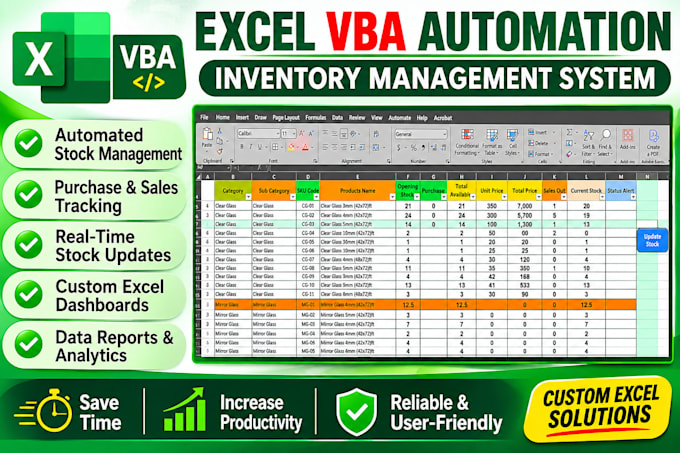
Yes, I can create customized invoice, billing, inventory, stock management, and data management systems using Microsoft Excel.
Can you fix errors or improve my existing Excel workbook?
Yes, I can help fix Excel formula errors, improve workbook structure, automate repetitive tasks, and enhance existing Excel systems.
Will the Excel file be easy to use?
Yes, I focus on creating user-friendly Excel workbooks with clear layouts, automated calculations, dropdown lists, and easy-to-use features.