Browse categories
Explore
Fiverr Pro
English
$
USD





Still managing employee onboarding through emails, spreadsheets, and scattered messages?
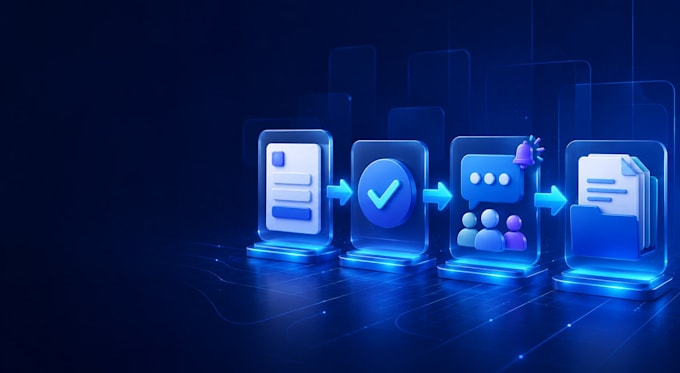
I will turn your manual onboarding process into a clear and secure Microsoft 365 workflow using SharePoint, Microsoft Forms, Power Automate, Outlook, and Teams.
Depending on the selected package, your solution may include:
With 15+ years of international IT operations experience, I focus on practical workflows that your team can understand, maintain, and use safely.
SECURITY FIRST
Please do not send passwords or sensitive production data. Access must be provided through an approved, least-privilege method or screen sharing.
Please message me before ordering with:
I will review the request and confirm the correct package, scope, and delivery time before you order.
Senior Microsoft 365 and IT Automation Specialist
Languages
What is included in one onboarding workflow?
One workflow covers one agreed process from intake to completion, such as employee information, manager approval, HR and IT task tracking, notifications, and status updates. Additional processes or connectors may require a custom offer.
Can you customize the workflow to our HR and IT process?
Yes. I will review your current steps, roles, approvals, notifications, and Microsoft 365 tools before building. The final workflow scope must be confirmed before the order begins.
Do you need access to my Microsoft 365 tenant?
Implementation may require limited access. Please never send a password. Access should be provided through an approved least-privilege account, temporary permissions, or screen sharing. Access can be removed after delivery.
Are Microsoft licenses and premium connectors included?
No. The buyer is responsible for Microsoft 365, Power Automate, Copilot, third-party, and premium connector licenses. I will identify known license requirements before the work begins.
What information should I send before ordering?
Please send your current onboarding steps, Microsoft 365 tools, user roles, approval path, required notifications, existing forms or lists, and expected outcome. Do not send sensitive employee information.
What counts as a revision?
A revision adjusts the agreed workflow within the confirmed scope. New approval stages, connectors, applications, business rules, or a different workflow are additional work and may require a custom offer.
What will I receive at delivery?
You will receive the agreed working workflow, testing evidence, and setup or handoff notes. The Premium package also includes an SOP and a short walkthrough video. Passwords, licenses, and paid subscriptions are not included.