Browse categories
Explore
Fiverr Pro
English
$
USD
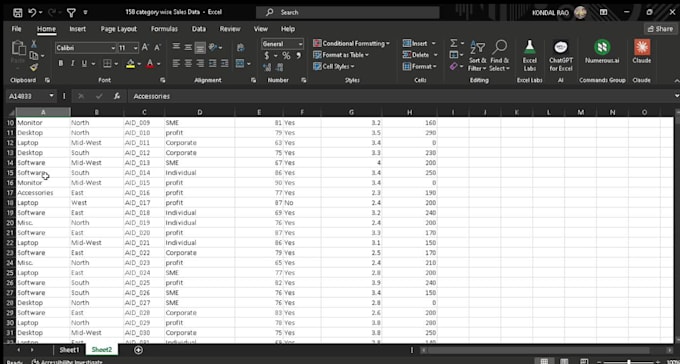
The client provided me with messy sales data, which was downloaded from another source. He was required to clean the data and put it into separate columns so that it would look presentable.
Step-by-step process of cleaning the data:
As there was no specific delimiter to separate the data using the text-to-column feature, the next option was to use the AI function CTRL+E.
So, using the function CTRL+E, I separated the data into separate columns as per the client's requirements
Formatted the data into a table format


Can you provde me with details of requiremets?
Yes, I would provide you with every detail