Browse categories
Explore
Fiverr Pro
English
$
USD

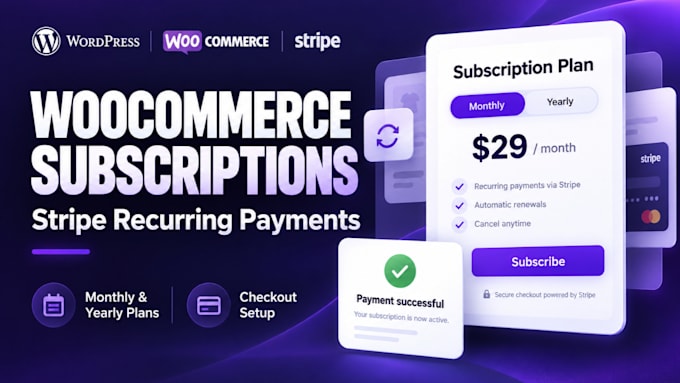

Your customer subscribes today. Will your website collect their next payment correctly?
I set up WooCommerce subscriptions with Stripe recurring payments for businesses adding monthly or yearly plans to an existing WordPress store.
From subscription checkout to automatic renewals, I configure and test the billing steps your customers depend on.
WHAT I CAN SET UP
BEYOND THE FIRST PAYMENT
Depending on your package, testing covers checkout, subscription creation, renewal and cancellation. You receive a walkthrough explaining how to manage your subscription billing.
Ideal for subscription boxes, digital products and recurring service plans.
Premium plugin licences are separate. Membership access and external SaaS integrations require a scope review.
Send your website link and planned subscription prices. I'll confirm what your WooCommerce store needs before you order.
Please be aware that it is against Fiverr's policies for sellers to include themes, templates, or any other elements that infringe third-party rights or applicable laws in the delivered work. Read more about in our Guide to Responsible Digital Creation.
WordPress, Webflow, Automation Expert
Languages
Can you add WooCommerce subscriptions to my existing WordPress website?
Yes. I configure subscription products, billing schedules and checkout on existing WordPress and WooCommerce websites. Send your website link and subscription requirements so I can check compatibility before you order.
Can you set up Stripe recurring payments for monthly and yearly plans?
Yes. I connect a compatible Stripe gateway and configure monthly or yearly WooCommerce subscription plans. You need an active Stripe account eligible to receive payments. Available features depend on your subscription plugin and gateway.
Do I need to purchase a WooCommerce subscription plugin?
You need a compatible subscription plugin for recurring billing. Premium plugin licences are not included in my service price. I can review your requirements and recommend a suitable option before you purchase.
Can I offer free trials, signup fees and different subscription plans?
Yes. Depending on your package and plugin capabilities, I can configure free trials, signup fees and multiple subscription plans with different prices or billing intervals. Share your pricing structure before ordering.
Can customers cancel subscriptions or update their payment details?
I configure and test the customer subscription management options supported by your setup. These can include cancellation and payment method updates. Pausing subscriptions or switching plans depends on the selected plugin and gateway.
Will you test automatic renewals and failed subscription payments?
Testing follows your package scope. Basic includes checkout and initial payment testing. Standard adds renewal and cancellation testing. Premium includes supported failed payment handling. Renewal tests use suitable test methods rather than waiting for a monthly billing cycle.
What do you need to start my WooCommerce subscription setup?
Please provide your website link, temporary WordPress admin access, subscription prices, billing intervals and plugin licence details. Stripe should be connected through its authorised connection process or appropriate account access. Never send your Stripe password.
