Browse categories
English
$
USD
Connect to your AI
Building reliable broadcast systems for modern creators
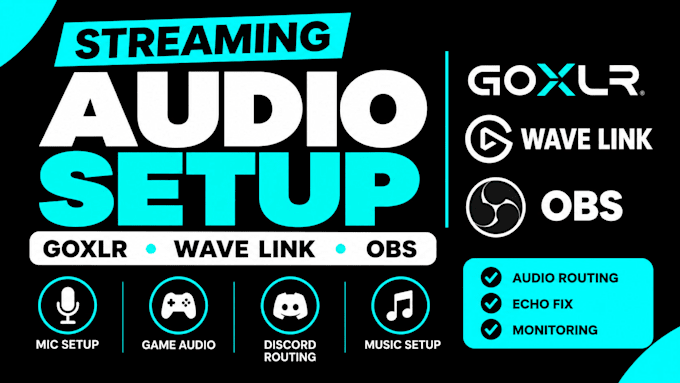
Is your microphone, game, Discord, or music audio not routing correctly?
I will set up, troubleshoot, and optimize your streaming audio so every source works correctly with OBS and your audio devices.
WHAT I CAN HELP YOU FIX:
SUPPORTED DEVICES & SOFTWARE:
I can configure audio channels, microphone processing, monitoring, routing, OBS sources, and compatible controls based on your hardware and needs.
Whether you're a gamer, streamer, podcaster, or content creator, I'll help you build a clean, reliable audio workflow.
BEFORE ORDERING:
Please share your devices, software, current setup, and the audio problem you need fixed. I'll help you choose the right solution.
Software:
OBS Studio
Purpose:
Gaming
•
Music
•
Lifestyle
•
Business
•
News
•
Streamshare
1. Which audio devices and software do you support?
I support GoXLR, GoXLR Mini, Elgato Wave Link, Wave XLR, Voicemeeter Banana and Potato, RØDECaster Pro II and Duo, and OBS Studio. Please message me with your exact setup to confirm compatibility.
2. Can you fix echo, duplicate audio, or microphone problems?
Yes. I can troubleshoot echo, duplicate audio, low microphone volume, missing sound, monitoring issues, and incorrect routing. Results depend on your hardware, software, and current configuration.
3. Can you configure GoXLR or Wave Link with OBS?
Yes. I can help route your microphone, game audio, Discord, and music into the correct channels and configure OBS sources and monitoring. The exact setup depends on your devices and software.
4. What information do you need before starting?
Please share your audio devices, operating system, streaming software, and a brief description of the problem. Screenshots of your current audio settings can also help me identify the issue faster.
5. Can you set up audio for a single-PC or dual-PC stream?
Yes. I can help configure audio routing for compatible single-PC and dual-PC streaming setups. Please tell me how your devices are connected so I can confirm the best approach for your workflow.
6. Can you connect Stream Deck controls to my streaming audio workflow?
Yes. Where supported, I can configure Stream Deck controls for audio actions such as muting, source control and workflow shortcuts.
