Browse categories
English
$
USD
Connect to your AI



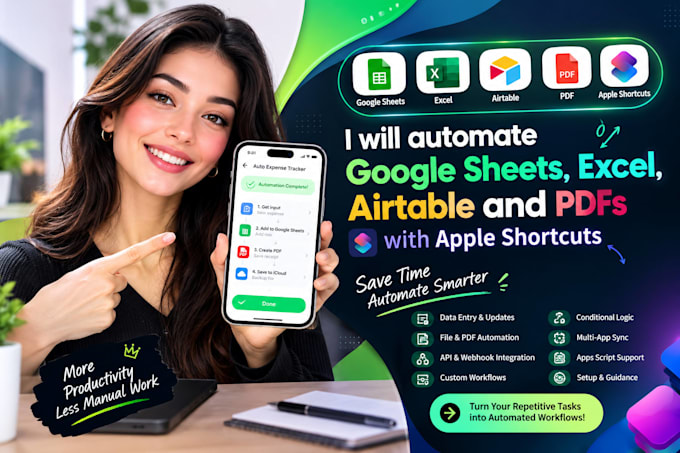
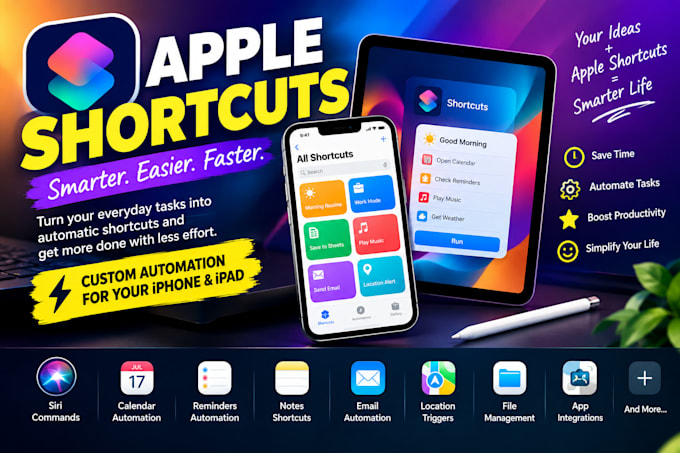
Still wasting time copying data, updating spreadsheets, or organizing files manually? Turn repetitive tasks into faster workflows with custom Apple Shortcuts for Google Sheets, Microsoft Excel, Airtable, and PDF/iCloud files.
WHAT THIS GIG CAN INCLUDE:
Basic covers one simple workflow; higher packages add steps, tools, and integrations. Airtable, PDF/iCloud tasks, API/webhook work, and advanced scripting can be added when suitable. Third-party accounts, usage fees, and complex development are excluded unless agreed.
Ready to stop repeating routine tasks? Send the steps you do now and the result you needlets build a shortcut that does the busywork for you.
Apple Shortcuts and Smart Workflow Automation Specialist
Languages
Which apps and platforms can you automate with Apple Shortcuts?
I can create workflows involving Google Sheets, Microsoft Excel, Airtable, and PDF/iCloud file management, depending on the required features, app compatibility, and available integrations.
Can you connect Apple Shortcuts to Google Sheets, Excel, or Airtable automatically?
Yes. Supported workflows can capture data, create or update records, and transfer information using available app actions, APIs, webhooks, or scripting where appropriate.
Can you create custom shortcuts for my specific business needs?
Yes. Each workflow can be tailored to your requirements, whether you need expense tracking, lead capture, spreadsheet updates, document organization, or other repetitive tasks.
Do I need to provide access to my apps or accounts?
You may need to provide the necessary permissions, API access, or account configuration. Please never share your passwords; use secure access methods and keep your credentials protected.
What if my workflow requires additional features or integrations?
Complex workflows, additional platforms, and custom integrations may require a higher package or a custom offer. Please message me with your requirements before ordering so the scope can be confirmed.