Browse categories
Explore
Fiverr Pro
English
$
USD
CRM Data Analyst Customer Insights Expert Workflow Engineer
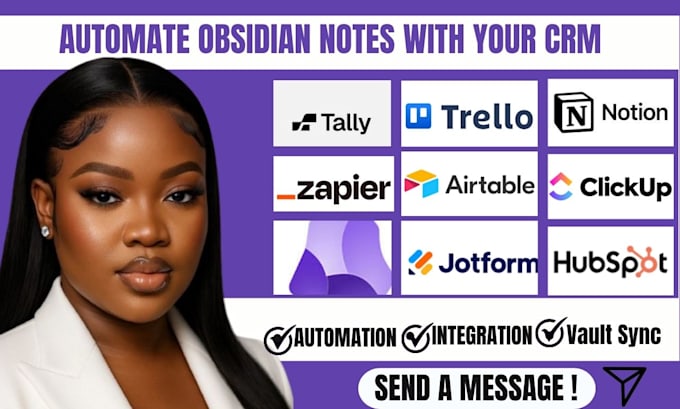
Are you tired of coMany users struggle with Obsidian notes not syncing properly or managing notes across tools like Notion, ClickUp, and CRM systems.
I help you turn Obsidian into a central, reliable knowledge hub that syncs cleanly and fits into your daily workflow without confusion or data loss.
THINGS I HELP YOU WITH:
Whether you're a student, freelancer, founder, or remote worker, I'll set up a system that actually works.



Software:
Notion
Can Obsidian really sync with Notion or HubSpot CRM?
Yes! I use automation tools like Zapier, Make (Integromat), or custom API connections to connect Obsidian with platforms such as Notion, ClickUp, or HubSpot for seamless note syncing.
Do I need Obsidian Sync to use this?
No you can use Dropbox, Google Drive, or GitHub for syncing if you don’t have Obsidian Sync.
Can I choose which folders or notes get synced?
Absolutely! I’ll help you set filters and triggers so only the folders you want are included.
Will syncing affect my CRM data?
No — I always test the automation in a safe, non-destructive mode before enabling full sync.
Can I integrate with other tools like Trello or Airtable?
Yes, I can extend your setup to Trello, Airtable, Pipedrive, or Google Sheets for multi-platform automation. Obsidian CRM automation, Obsidian note sync, Notion integration, ClickUp workflow automation, HubSpot sync setup, Obsidian Zapier automation, productivity workflow setup, CRM task integration