Browse categories
Explore
Fiverr Pro
English
$
USD




Are you wasting time on manual approvals, repetitive emails, document routing, or employee requests?
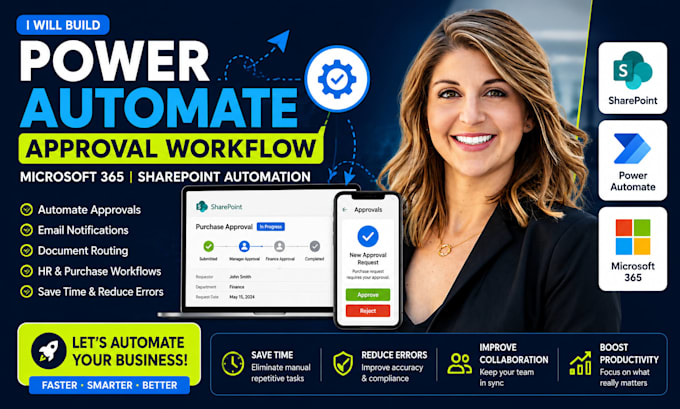
I build custom Microsoft Power Automate workflows that automate business processes, reduce errors, and save valuable time. Whether you need SharePoint approval workflows, HR automation, purchase requests, leave requests, document approvals, or Microsoft 365 workflow automation, I can create a reliable solution tailored to your business.
WHAT I CAN AUTOMATE:
WHY WORK WITH ME?
I focus on practical automation that improves productivity and simplifies daily operations.
Please contact me before placing an order so I can review your current process and recommend the best Power Automate solution for your business.
SharePoint Intranet Microsoft 365 Automation Specialist
Languages
Can you automate SharePoint approval processes?
Yes. I can automate document approvals, purchase requests, HR approvals, leave requests, and other SharePoint-based workflows.
Can Power Automate send emails automatically?
Absolutely. I can create automated email notifications, reminders, escalations, and status updates.
Do you integrate with Microsoft Forms and Teams?
Yes. I can connect Power Automate with Microsoft Forms, SharePoint, Teams, Outlook, Excel, and other Microsoft 365 services
Can you improve an existing workflow?
Yes. I can troubleshoot, optimize, and redesign existing Power Automate workflows for better performance and reliability.