Browse categories
Explore
Fiverr Pro
English
$
USD



No ChatGPT subscription. No data sent to the cloud. No internet required. I'll set up a fully private AI assistant that runs entirely on your PC permanently free, completely yours.
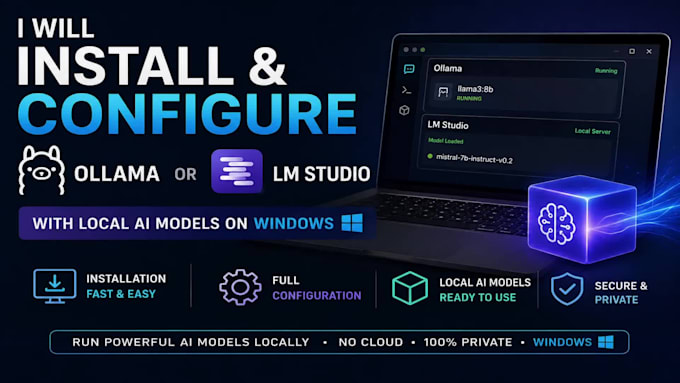
I will install, configure and fully optimize Ollama or LM Studio so you can run powerful AI models privately, offline and without limits.
I provide a complete setup of:
Ollama installation & configuration
LM Studio installation & model setup
Download and configuration of LLMs (LLaMA, Qwen, Mistral, DeepSeek, Code models, etc.)
Custom model recommendations based on your hardware
Environment variable setup
Testing to make sure everything runs smoothly
You will get:
Full local installation
Proper optimization for your PC
Step-by-step guidance
Remote support via AnyDesk or TeamViewer
Whether your PC is powerful (RTX GPU, Ryzen, etc.) or low-end, I will configure the best possible setup so you can enjoy local AI without complexity.
I'll walk you through everything during the session and make sure you know how to use it after I'm done. No experience needed.
Remote IT Support Windows Printers Virtual Machines Local AI Setup
Languages
Do I need a powerful GPU?
No, it works on any PC with 8 GB RAM. If you have NVIDIA/AMD/Intel GPU I will enable acceleration for 5–20× faster responses.
Is my data private?
100% private. Everything runs locally — nothing is sent to the cloud.
Which is better: Ollama or LM Studio?
I install whichever you prefer. Ollama = faster for developers; LM Studio = easier GUI for beginners. I can also install both.
How much disk space do I need?
7–30 GB depending on models. I always check your free space first.
Can you make it work on my laptop with integrated graphics?
Yes! I have tricks to run smaller models (Phi-3, Gemma-2B) super fast even on Intel UHD or basic laptops.
| (1) | ||
| (0) | ||
| (0) | ||
| (0) | ||
| (0) |
richardmitch414

United States
Very helpful to help me understand terms and how to use.
$50-$100
Price
2 days
Duration
| (1) | ||
| (0) | ||
| (0) | ||
| (0) | ||
| (0) |
richardmitch414
United States
Very helpful to help me understand terms and how to use.
$50-$100
Price
2 days
Duration