Browse categories
English
$
USD
Connect to your AI
Excel Data Cleaning Reporting Specialist
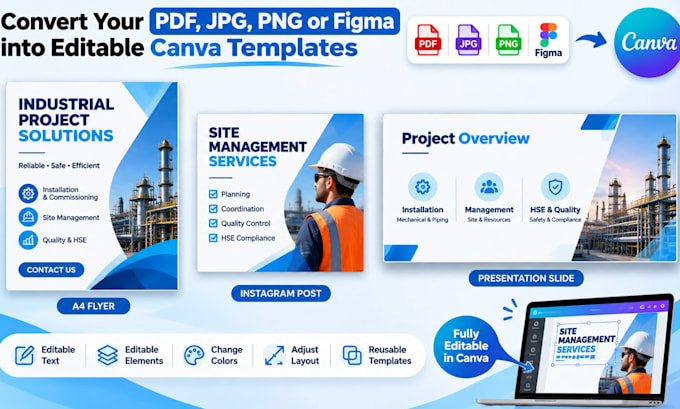
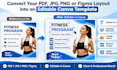
Do you have a PDF, JPG, PNG, or Figma file that you want to edit in Canva?
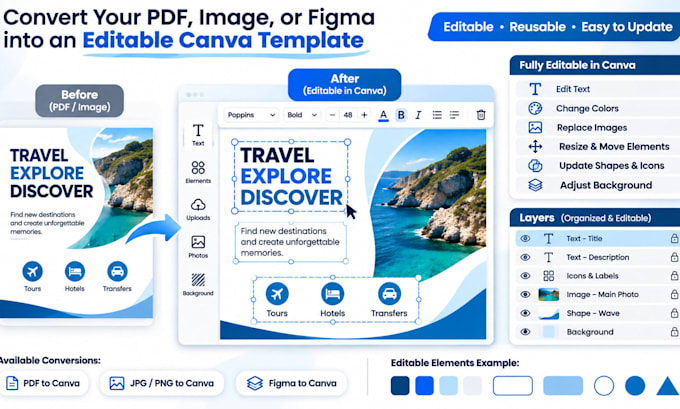
I will recreate your existing layout as a professional, editable Canva template, allowing you to easily update text, colors, and other elements.
WHAT I OFFER:
MY PACKAGES:
BASIC: 1 simple page with up to 10 editable elements.
STANDARD: Up to 2 simple pages with editable components.
PREMIUM: Up to 3 simple pages with consistent styling.
WHY CHOOSE ME?
I focus on accuracy, attention to detail, and reliable delivery. Your content will be recreated with editable Canva components, not simply inserted as a flat image.
For complex illustrations, animations, or advanced Figma projects, please contact me before ordering.
Let's make your content easy to edit and reuse!

Convert from:
Convert to:
Other
Will my Canva design be fully editable?
I will recreate the supported elements as editable Canva text, shapes, and other components. Complex graphics may require special handling. Please contact me for an assessment before ordering.
What file formats can you work with?
I can work with PDF, JPG, PNG, and simple Figma designs. Please provide a clear source file or an accessible Figma link with the necessary permissions.
Do I need Canva Pro to edit the final design?
I aim to use Canva Free elements whenever possible. If your design requires Canva Pro assets or features, I will discuss this with you before proceeding.
Will the converted design look exactly like my original?
I aim to reproduce the original layout, colors, and typography as closely as possible. Some fonts, effects, or complex elements may need adjustments due to Canva's limitations.