Browse categories
Explore
Fiverr Pro
English
$
USD
Web App with Client Portal, Gohighlevel Automation, and Website Design Expert
Level 1
Has met certain performance criteria and shows strong potential in the marketplace.
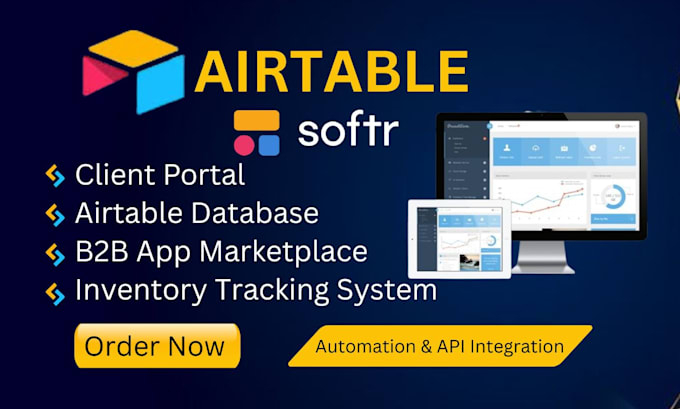
Airtable database + Softr webapp expert client portal, CRM & Airtable automation
Need a powerful no-code system that runs your business on autopilot? I build custom Airtable database solutions and professional Softr webapp applications from a fully branded client portal to smart Airtable automation workflows that save hours every week.
What I will build for you:
Why Choose Me:
Message me before ordering, I confirm scope and timeline same day.



Platform:
Airtable
•
BigQuery
•
Couchbase
•
MS Access
•
MySQL
•
Notion
•
Softr
Expertise:
Big data
•
Data center
•
Data structure
•
Design
•
Performance
Do I need an Airtable or Softr account before ordering?
Yes. The Airtable database and Softr webapp will be built directly inside your own workspace so you own everything after delivery.
What exactly is a Softr webapp and how is it different from a regular website?
A Softr webapp is a fully functional web application, with user login, dashboards, filtered data views, and form submissions, built on top of your Airtable database without any coding.
What does Airtable automation do exactly?
Airtable automation lets your database perform actions automatically when something happens. for example, sending a welcome email when a new client is added, updating a status field when a task is completed, or creating a new record when a form is submitted.
Can you migrate my existing data into the new Airtable database?
Yes. Data migration from Excel, Google Sheets, or CSV files into your new Airtable database is included in the Premium package and available as a paid add-on for Basic and Standard. Please share your file before ordering so I can assess the structure.
Can you build a client portal where my clients log in and see only their own data?
Yes, this is one of the most popular setups I build. The client portal is built on Softr with user authentication and conditional filters tied to your Airtable database. Each client logs into the client portal and sees only records linked to their account.
Can you connect Airtable to Gmail, Stripe, Slack, or other apps?
Yes. Using n8n, Zapier or Make (formerly Integromat), I can connect your Airtable database to thousands of tools — Gmail, Stripe, Slack, Notion, Typeform, Calendly, and more. Combined with native Airtable automation, this creates a fully automated system.
What happens after delivery, can I manage the system myself?
Every delivery includes documented walkthrough showing you exactly how to manage your Airtable database, update your Softr webapp, handle the client portal, and adjust Airtable automation rules. The systems are built to be self-manageable, no technical knowledge needed.