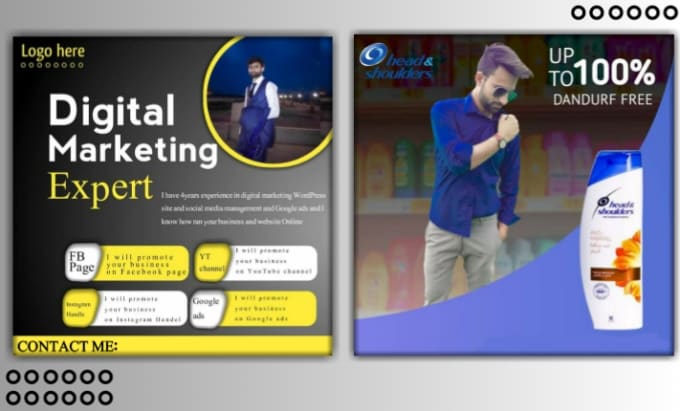
To design an ads template for social media posts, you'll need to follow these steps:
- Determine the purpose and theme of your ads. Consider the message you want to convey and the overall design aesthetic that you want to achieve.
- Sketch out several ideas for your ads template. Experiment with different layouts, colors, and compositions to find an idea that works well.
- Choose the best idea and refine it. Use software such as Adobe Photoshop or Canva to create a digital version of your template. Pay attention to details and make sure that the template is visually appealing and easy to read.
- Add any necessary elements to your template. This could include branding elements such as logos or fonts, as well as graphics or images to help convey your message.
- Save your template in a file format that is compatible with social media platforms. This could be a PNG, JPG, or GIF file, depending on the requirements of the platform.
By following these steps, you can design an ad template for social media posts that is visually appealing and effective at conveying your message.
To create effective Facebook ads and Instagram posts, you'll need to follow these steps:
- Determine the purpose and theme o