Browse categories
Explore
Fiverr Pro
English
$
USD

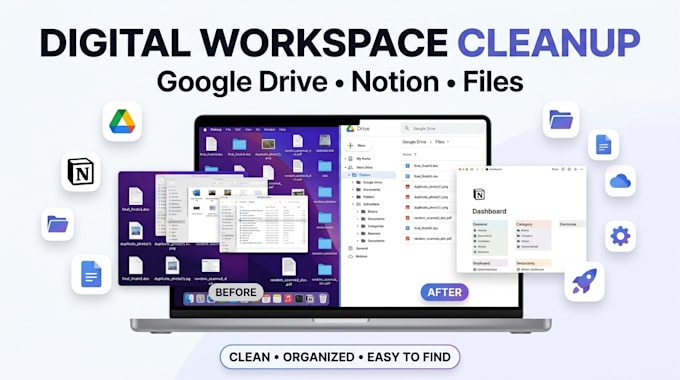

Are your Google Drive, Notion workspace, or digital files becoming impossible to manage?
I'll turn your digital clutter into a clean, organized, professional workspace that is easy to navigate and maintain.
I can help you:
Whether you're a business owner, entrepreneur, freelancer, creator, student or busy professional, Ill organize your files around the way you actually worknot just move things randomly.
Why hire me?
Stop wasting time searching through folders and scattered files.
Send me a message today and let's turn your digital chaos into organized clarity!
Please inform the freelancer of any preferences or concerns regarding the use of AI tools in the completion and/or delivery of your order.
NOTION EXPERT
Languages
Can you organize an existing Google Drive or Notion workspace?
Yes. I can work with your existing structure, clean it up, reorganize it, and improve the navigation without unnecessarily rebuilding everything from scratch.
Will you delete my files or documents?
No files will be permanently deleted without your approval. I can identify duplicates, outdated items, or unnecessary clutter for your review before anything is removed.
Can you organize files based on my business or workflow?
Absolutely. I can structure files around clients, projects, departments, content types, courses, products, or another system that makes sense for how you work.
Do I need to give you my password?
No. Please never send your password. Access should be provided through appropriate sharing or collaboration permissions, and you retain ownership and control of your workspace.
