Browse categories
Explore
Fiverr Pro
English
$
USD



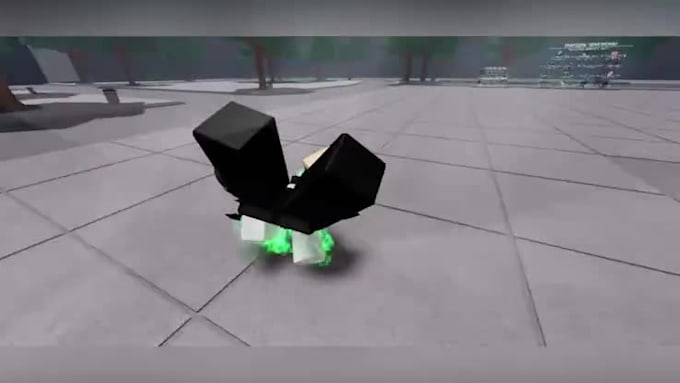
Need smooth, high-quality, and game-ready animations for your Roblox project?!
I create custom Roblox animations, emotes, poses, and cinematic cutscenes designed to match your game's style and bring your characters to life.
Whether you use R6 or R15 rigs, I deliver fluid movements, clean keyframes, seamless transitions, and perfectly looping animations for an immersive gameplay experience.
What I Can Create:
Why choose me:
Let's transform your Roblox characters with animations that make your game more engaging and memorable.
Please contact me before placing an order to discuss your ideas, character rig, animation requirements, and any reference materials so I can recommend the best package for you
Roblox game animation
Languages
What do you need from me to start the animation?
I need your Roblox character (rig/ no rig), animation idea or reference video, and how long the animation should be. If you already have a pose or camera setup in Roblox Studio, that helps too!
What file format will I receive?
You will receive one or more of the following, depending on your order: .rbxanim – ready-to-use Roblox animation file .blend – Blender project file (if you request it) .mp4 – preview video of the animation (for showcasing or checking motion)
Do you work with custom rigs or only default R15/R6?
I can work with both. If you have a custom rig, please send the .rbxm or .rblx file first so I can check compatibility before starting.