Browse categories
Explore
Fiverr Pro
English
$
USD
OBS Streaming Setup and Live Broadcast Specialist
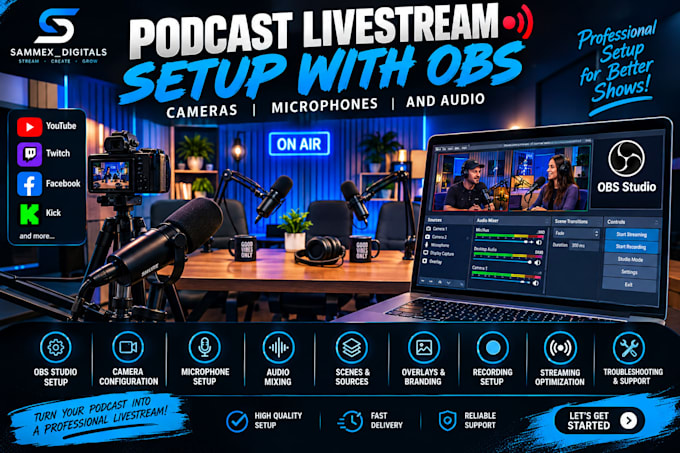
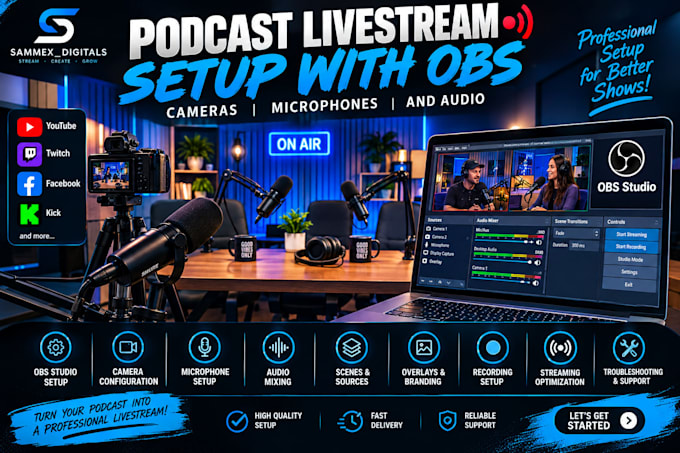
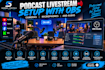
Are you looking for a professional podcast livestream setup with OBS, cameras, microphones and audio?
I specialize in setting up OBS Studio for podcast livestreams, including camera configuration, microphone setup, audio mixing, scenes, sources, overlays, and streaming optimization. Whether you are starting a new podcast or improving your current setup, I can help you achieve a clean and professional broadcast quality.
My services include:
With my podcast livestream setup with OBS, cameras, microphones and audio service, you will get a customized setup designed around your equipment, goals, and streaming platform.
Whether you stream on YouTube, Twitch, Facebook, or other platforms, I can help you build a smooth and professional podcast livestream setup.
Message me today and let's create a professional podcast streaming experience.
Software:
OBS Studio
Purpose:
Gaming
•
Music
•
Lifestyle
•
Business
•
News
•
Streamshare
•
Webinar
Q: What do you need to start my podcast setup?
A: I need your equipment details, streaming platform, OBS version, and any specific setup requirements.
Q: Can you set up multiple cameras?
A: Yes. I can configure multiple cameras in OBS and create professional camera switching scenes.
Q: Can you configure my microphones and audio?
A: Yes. I can set up microphones, audio filters, levels, and other OBS audio settings.
Q: Can you create custom podcast scenes?
A: Yes. I can create scenes for your podcast, including intro, interview, main show, and ending screens.
Q: Can you help fix OBS or audio problems?
A: Yes. I can troubleshoot OBS, camera, microphone, audio, and streaming issues.
Q: Can you set up my stream for YouTube or Twitch?
A: Yes. I can configure OBS for platforms such as YouTube, Twitch, Facebook, and other supported platforms.