Browse categories
English
$
USD
Connect to your AI

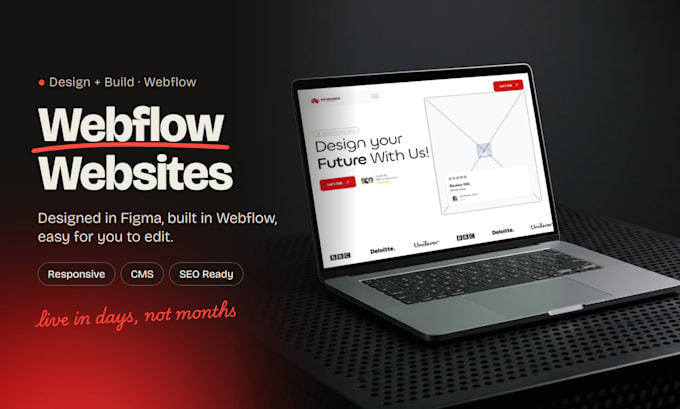

Get a website you can actually edit yourself. I design in Figma and build in Webflow, so you get a premium custom site that is fast, responsive and easy to update without a developer.
What you get:
Custom design, no templates, or Figma to Webflow from your own design
Fully responsive on desktop, tablet and mobile
CMS setup for blog posts, projects or listings
Smooth interactions and scroll animations
Contact and opt in forms connected and tested
Basic SEO settings, speed tuning and launch support
How I work:
1. You share your goals, content and sites you like
2. I design the key pages in Figma for your approval
3. I build and test everything in Webflow
4. We launch on your domain and I show you how to edit it
Why work with me:
7+ years in UI UX, currently Senior UI UX Designer at Red Panda Networks
Webflow sites for consultancies, agencies and tech companies
Certified by Awwwards in advanced prototyping and creative practices
Message me your pages and goals and I will confirm the timeline and price before you order.
Please be aware that it is against Fiverr's policies for sellers to include themes, templates, or any other elements that infringe third-party rights or applicable laws in the delivered work. Read more about in our Guide to Responsible Digital Creation.
UI UX Designer for Mobile Apps, SaaS and Websites
Languages
Do I need to pay for Webflow hosting?
Yes. Webflow site plans are paid directly by you to Webflow, which keeps you as the full owner. I will help you pick the right plan and connect your domain.
Can you convert my Figma design to Webflow?
Yes. Send me your Figma file and I will build it pixel perfect in Webflow with clean classes, responsive layouts and working CMS.
Will I be able to edit the site myself?
Yes. I set up the CMS and Editor so you can change text, images and blog posts without touching the design, and I share a short how to guide.
