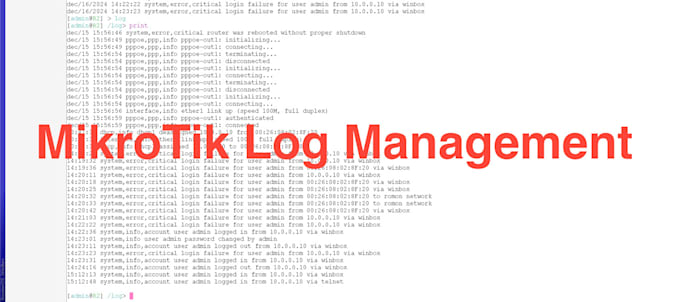
MikroTik PPPoE User Log Management System
- PPPoE User Activity Logs:
- Capture and log detailed user activity, including:
- NAT IPs
- Source and Destination IPs
- Communication Ports
- Customer Service MAC Address
- PPPoE User NAT History
- Centralized Logging System:
- Store and manage logs in a centralized system (e.g., Syslog server, MySQL database) for easy access and future reference.
- Automated Backup Solutions:
- Ensure that all logs are securely stored and backed up regularly.
- Retention Policies:
- Configure log retention settings to comply with your organization's policies or government regulations.
- Custom Reports:
- Generate user-specific logs and summaries for troubleshooting or compliance needs.
- Integration:
- Seamlessly integrate the logging system with third-party tools for monitoring and analysis.
Why You Need This:
Maintaining detailed PPPoE logs is essential for:
- Network Troubleshooting: Easily identify and resolve issues with user connections.
- Legal Compliance: Many regulations require ISPs to maintain user activity logs.
- User Monitoring: Understand user behaviors and optimize network performance.