Browse categories
Explore
Fiverr Pro
English
$
USD





Every time you open Claude, it knows nothing about you.
You copy-paste the same notes. Re-explain the same context.
Start from scratch. Every single session.
I'll fix that in 24 hours.
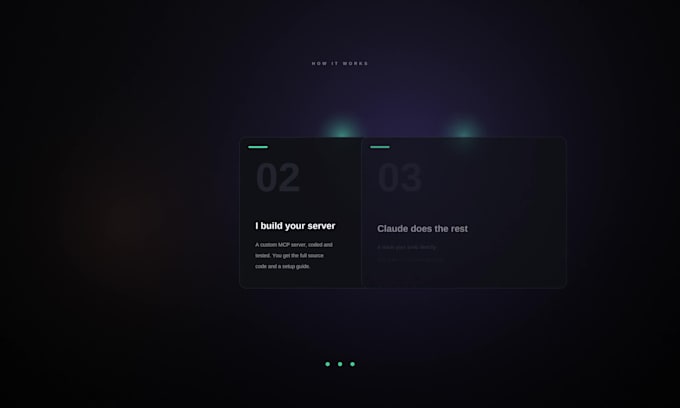
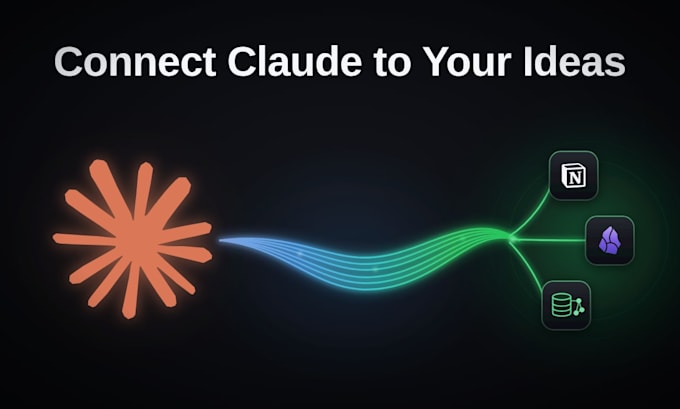
I'll build a custom MCP server that connects Claude directly
to your tools, Notion, Obsidian, databases, or any
platform with an API.
After that, you open Claude and it already knows the context.
You just talk to it, Like it was there the whole time.
What you get:
Connect once. Own your time.
Software Developer
Languages
What tools can you connect Claude to?
Any tool with an API — Notion, Obsidian, Airtable, GitHub, Linear, Slack, Supabase, and more. Message me with your tool and I'll confirm.Any tool with an API — Notion, Obsidian, Airtable, GitHub, Linear, Slack, Supabase, and more. Message me with your tool and I'll confirm.
Will this work with Claude Desktop?
Yes, I include the config file ready to drop in.
What's the difference between read-only and read/write?
Read-only means Claude can search and summarise your content. Read/write means Claude can also create and update notes, entries, or records on your behalf.
Do I own the Source Code?
Yes. You get the full code, it runs locally on your machine, and nothing goes through third-party servers.
Can you connect more than one tool?
Yes, that's the Premium package. Up to 3 tools connected in one build.
What if my Tool isn’t listed?
Message me first. If it has a public API, I can almost certainly build for it