Browse categories
Explore
Fiverr Pro
English
$
USD
you think we create
Hi and thank you for checking out my gig!
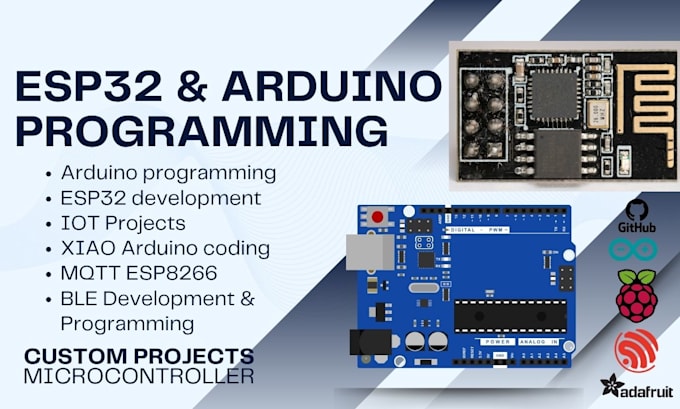
I am an Electrical and Electronics Engineer with solid hands-on experience in ESP32, Arduino, and microcontroller-based projects. Whether you are working on an IoT system, sensor network, or a simple automation task I can help you write reliable and clean code using Arduino IDE.
What I offer:
Why work with me?
Whether you're a hobbyist, student, or working on a prototype I'm here to help.
Feel free to message me with your project details before placing an order. Lets build something cool together!

Platform:
Arduino
Expertise:
Microcontrollers
•
IoT
•
Testing
•
Programming
What platforms or IDEs do you use for programming ESP32 or Arduino?
I use Arduino IDE.
Can you integrate WiFi, BLE, or both in my project?
Yes! I can set up WiFi, BLE, or even both on ESP32. This includes server/client modes, notifications, scanning, and more.
I only have an idea or rough sketch — can you still help?
Absolutely! Just message me with what you're thinking, and I’ll guide you through everything — from planning to working code. Consultation is always free.
Will the code be commented and easy to understand?
Definitely. I write clean, well-commented code that’s easy for you to review, learn from, and modify later if needed.
Can you help troubleshoot or fix my existing code?
Yes! If your code isn’t working, or something’s not responding as expected, I can help diagnose and fix the issue.
Will you also provide a circuit diagram or connection layout?
Yes. If needed, I can include a basic schematic or wiring diagram along with the code so you know exactly how to connect everything.
