Browse categories
Explore
Fiverr Pro
English
$
USD
Ready to Go Live Without the Setup Headaches?
Getting OBS Studio or Streamlabs ready for your first stream can take hours when youre dealing with scenes, overlays, alerts, audio, and encoder settings. A poorly configured setup can also lead to lag, dropped frames, poor video quality, or audio problems.
Ill help you build a clean, organized, and optimized streaming setup tailored to your PC, internet connection, content, and platform.
What Ill Set Up:
Whether youre gaming, chatting, creating content, or hosting presentations, your setup will be organized and ready for a smoother broadcast.
Send me your PC specs, streaming platform, and goals todayand lets get your stream ready to go live!
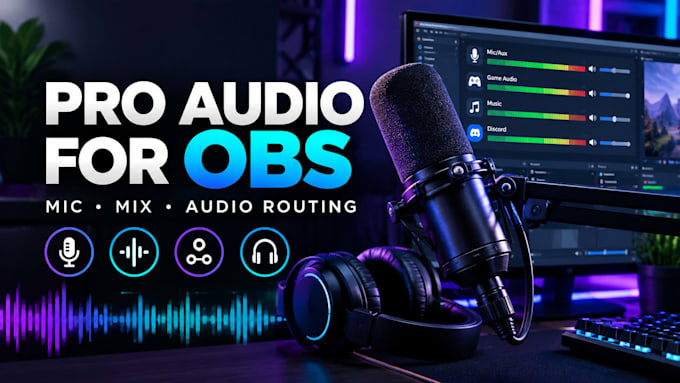
Software:
OBS Studio
Platform:
•
Twitch
•
YouTube
•
Mixer
•
GosuGamers
•
Bigo Live
•
Kick
Purpose:
Gaming
•
Music
•
Lifestyle
•
Business
•
News
•
Streamshare
•
Webinar
Do I need to buy a specific software license for my stream setup?
OBS Studio is free to use, and Streamlabs offers a free version. If your setup requires additional plugins or tools, I can guide you through the appropriate installation.
Can you optimize my setup if I only have one monitor?
Yes. I can organize your scenes and software layout so you can manage your gameplay, chat, alerts, and other sources more easily on a single-monitor setup.
Can you fix blurry or pixelated stream quality?
Yes. I can review your bitrate, resolution, encoder, and internet upload speed and adjust the settings to improve your stream quality and stability.
Can you install overlays from platforms like OWN3D or Nerd or Die?
Yes. If you already have your graphics or purchased assets, I can integrate your overlays, scenes, transitions, alerts, and widgets into OBS Studio or Streamlabs.
How do you keep my stream keys and private information secure?
Your privacy is important. During remote setup, you can hide or enter your private stream keys and passwords yourself. We can use AnyDesk or TeamViewer while you remain in control of your account information.
