Browse categories
Explore
Fiverr Pro
English
$
USD
Whatnot and Live Streaming Specialist
Your stream should feel smooth, professional, and ready to go live, not like a collection of settings you are constantly fighting with.
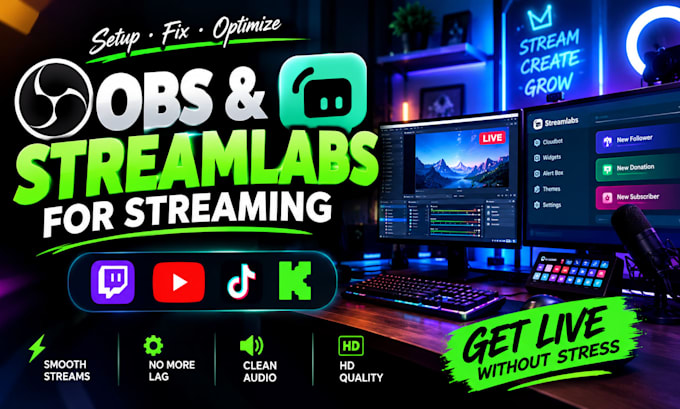
I will set up, fix, and optimize OBS Studio and Streamlabs around the way YOU actually stream.
Whether you are starting from scratch or your current setup is causing lag, dropped frames, audio problems, black screens, poor quality, or confusing scenes, Ill turn the setup into a clean, reliable streaming system.
I can help with:
Why Choose Me:
The goal is to make your entire streaming workflow work together so you can focus on your content instead of constantly fixing technical problems.
I troubleshoot, configure, test, and optimize your setup based on your hardware, platform, and streaming goals.
Message me before ordering me so will can discuss your Needs


Software:
OBS Studio
Platform:
•
Twitch
•
YouTube
•
Kick
Purpose:
Gaming
•
Music
•
Lifestyle
•
Business
•
News
•
Streamshare
•
Webinar
1. Can you set up both OBS Studio and Streamlabs?
Yes. I can configure OBS Studio, Streamlabs, or both, depending on your streaming needs, hardware, and preferred software.
2. Can you fix OBS or Streamlabs lag, dropped frames, and crashes?
Yes. I can troubleshoot performance issues, dropped frames, crashes, and other common problems, then optimize your settings based on your system.
3. Can you set up my stream for Twitch, TikTok, and YouTube?
Yes. I can configure your streaming software for your preferred platform, including the relevant video, audio, and streaming settings.
4. Can you configure my webcam, microphone, capture card, and overlays?
Yes. I can help configure supported cameras, microphones, capture cards, scenes, sources, overlays, and alerts.
5. Can you improve my stream quality and audio?
Yes. I can optimize resolution, FPS, bitrate, and supported audio settings to help deliver a clearer, smoother, and more consistent stream.
6. Do you support vertical streaming for TikTok Live?
Yes. I can help configure a vertical streaming layout, scenes, and sources for TikTok Live, depending on your software and streaming requirements.
7. Do I need to provide my streaming account details?
Usually, no. I can guide you through connecting your accounts securely. Never send me your account password.
8. What do you need from me to get started?
Please provide your streaming software, computer specifications, preferred platform, and a brief description of your goals or current issues. Screenshots of relevant settings can also help.