Browse categories
English
$
USD
Connect to your AI
Excel and CSV report automation
Do you turn the same CSV or Excel export into a report every week (orders, sales, invoices, stock)? I automate that step.
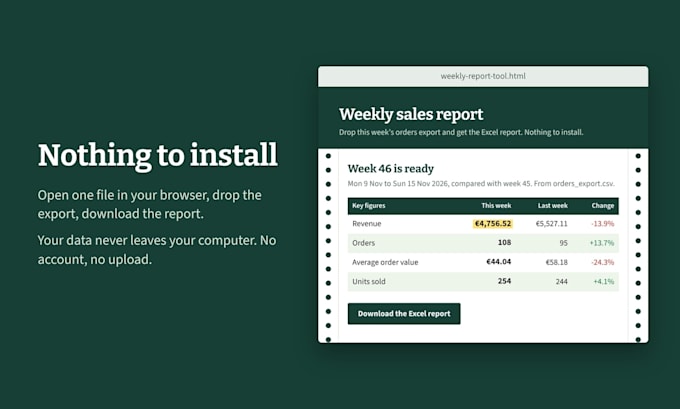
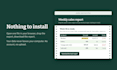
You get a small tool built for your export: open it in your browser, drop the file, download a clean Excel report. It runs on your own computer, so your data stays with you. Nothing to install, no account.
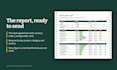
The report (see the example in the gallery):
How it works:
I build with AI coding assistants and test every report before delivery. Written communication in English, French or Dutch.
Technology:
Excel
Which exports can you work with?
CSV or Excel exports from a shop, accounting or stock tool (Shopify, WooCommerce, an ERP...). Send me a sample before ordering and I will tell you if it fits.
Do I need to install anything?
No. The tool is a single file that opens in Chrome, Edge, Firefox or Safari, on Windows or Mac. It works offline and uploads nothing.
What if my export changes later?
If a column is renamed or missing, the tool says which one. I can adapt it in a new order.
Is my data safe?
Send an anonymized sample (remove names and emails). The tool runs on your computer and sends nothing anywhere.
Can I open the report in Google Sheets?
Yes. The report is an Excel file (.xlsx), which Google Sheets opens too.