Browse categories
Explore
Fiverr Pro
English
$
USD
ATS Resumes Cover Letters Make Integrations Monday Consultant
PROJECTS WILL BE DELIVERED IN 3-5 HOURS
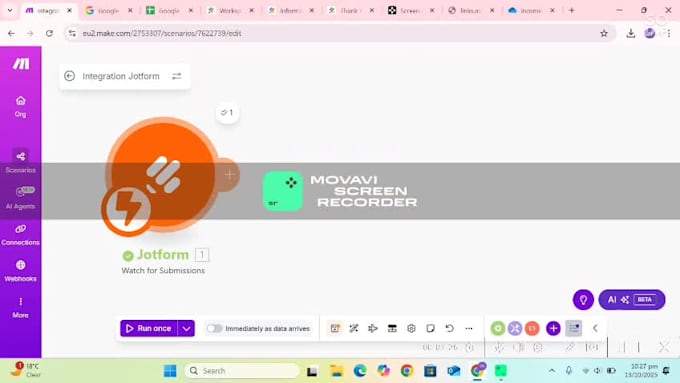
Are you tired of manually copying form data into Google Sheets or saving uploaded files to OneDrive?
️
What I Can Do For You



Do I need to give you my login credentials?
No. You don’t need to share your passwords. I’ll send you a secure invitation link via Make.com or Zapier so you can safely grant access to your apps.
Do I need a paid Make.com or Zapier plan?
Not necessarily. Most automations can be done using free plans. If your workflow needs premium features, I’ll guide you on the best option before starting.
Will this work automatically every time someone submits a Jotform?
Yes! Once the integration is set up, it will automatically trigger whenever a new Jotform submission is received — no manual work required.
Can you connect other platforms besides Google Sheets and OneDrive?
Absolutely. I can integrate Jotform with Google Drive, Notion, Airtable, Dropbox, or any app supported by Make.com or Zapier
What if my automation stops working later?
I provide post-delivery support depending on your package (1–7 days). If you face an issue afterward, I also offer affordable maintenance services.