Browse categories
Explore
Fiverr Pro
English
$
USD


Are you tired of copying data between apps, tracking time manually, or repeating the same tasks on your iPhone or Mac?
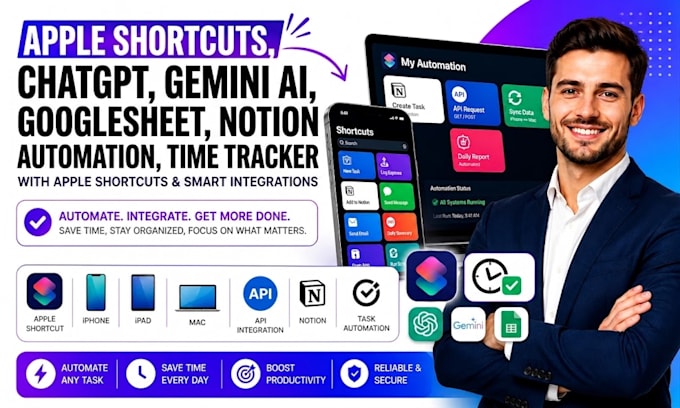
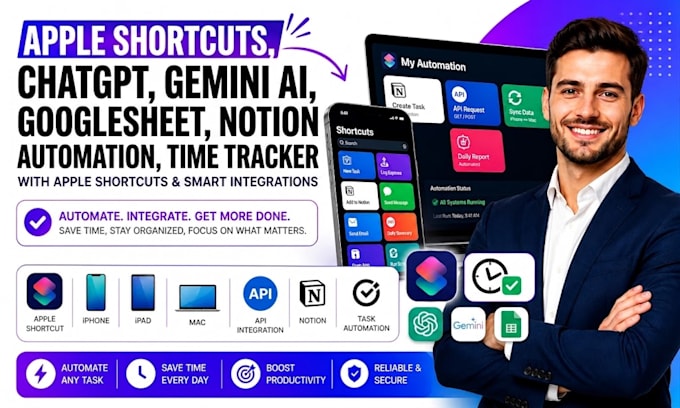
I build Apple Shortcuts automation that connects ChatGPT, Gemini, Google Sheets, Notion, and time tracking tools into practical workflows.
You can automate AI prompts, task capture, database updates, time logs, summaries, reminders, data entry, and recurring actions across your Apple devices.
Here's what my service includes:
Platforms I work with:
Apple Shortcuts · ChatGPT · Gemini · Google Sheets · Notion · Airtable · Zapier · Make · IFTTT · Slack · Gmail · Google Calendar · Trello · Asana · Todoist · ClickUp · Microsoft Excel · Google Forms · Jotform · Tally · Calendly · Dropbox · OneDrive · Evernote · Dropbox · Tally · Google Gemini · Notion · IFTTT · Google Forms · ClickUp
SELECT A PACKAGE TO START IMMEDIATELY OR MESSAGE ME FOR A CUSTOM QUOTE.
Apple Shortcuts AI Automation That Saves Hours
Languages
Can you build this for productivity and daily work?
Problem: You need automation for daily work, client tasks, content, admin, or productivity. Result: I can connect Apple Shortcuts with ChatGPT, Gemini, Google Sheets, Notion, and time tracking to create practical workflows for your exact use case and daily routine.AI
What does the Premium package include?
Problem: Multiple apps require deeper logic, testing, and documentation. Result: Premium adds broader Apple Shortcuts automation, ChatGPT and Gemini actions, Google Sheets and Notion integrations, time tracking, workflow audits, reporting, documentation, and support.
Can you connect Apple Shortcuts to Google Sheets and Notion?
Problem: Your workflow needs specific triggers, fields, actions, and data movement. Result: I configure Apple Shortcuts triggers, AI prompts, Google Sheets actions, Notion databases, time tracking rules, API or webhook connections, checks, and workflow testing. ready
What types of automation can you create?
Problem: Different users need different automation paths. Result: I build workflows for productivity, task management, client tracking, content planning, reminders, data entry, reporting, and time tracking using Apple Shortcuts, ChatGPT, Gemini, Sheets, and Notion.AI
Your workflow changes across projects, clients, devices, or AI tool.
I can build variations for task capture, time tracking, meeting notes, AI summaries, reminders, project updates, data entry, and productivity using Apple Shortcuts, ChatGPT, Gemini, Sheets, or Notion.