Browse categories
Explore
Fiverr Pro
English
$
USD


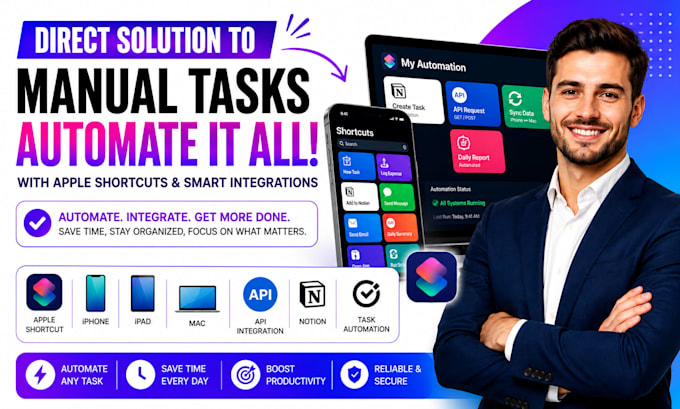
Still doing the same iPhone, iPad, or Mac tasks manually?
I create Apple Shortcuts, task automation, API integration, and Notion automation that connect apps, move data, create tasks, process files, and trigger actions from one workflow.
You get tested iOS automation, clear trigger logic, reliable actions, and a walkthrough.
Standard adds integrations and an audit. Premium adds deeper automation, reporting, documentation, testing, and support.
Here's what my service includes:
Platforms I work with:
Apple Shortcuts · iPhone · iPad · Mac · iOS · iPadOS · macOS · Notion · OpenAI · ChatGPT · Google Sheets · Gmail · Google Calendar · Airtable · Zapier · Make · Slack · Microsoft Excel · Todoist · Trello · notion · salesforce · webhook · googlesheets
SELECT A PACKAGE TO START IMMEDIATELY OR MESSAGE ME FOR A CUSTOM QUOTE.
Apple Shortcuts AI Automation That Saves Hours
Languages
What result will I get from an Apple Shortcut?
I build Apple Shortcuts that automate triggers, actions, and app tasks, cutting manual steps and giving you a repeatable workflow that runs from Siri, time, location, or app events. for work and personal use daily.
Who can use this Apple automation service?
I build iPhone, iPad, or Mac Shortcuts for creators, consultants, teams, and operators, connecting Notion, APIs, files, reminders, calendars, and task systems into practical workflows. for business workflows.
What makes the Premium package different?
Premium adds API integrations, Notion sync, Mac automation, audits, reporting, documentation, end-to-end testing, and support for a complete workflow built around your exact process. for daily use now.
What technical features can you build?
I configure variables, conditions, menus, dictionaries, repeat actions, API requests, webhooks, file handling, permissions, and error paths, then test the workflow across agreed devices and triggers. now.
What types of Apple workflows do you support?
I cover task creation, Notion updates, calendar flows, file processing, AI actions, API requests, notifications, focus routines, data capture, and iPhone, iPad, or Mac workflows. for work and study tasks.!