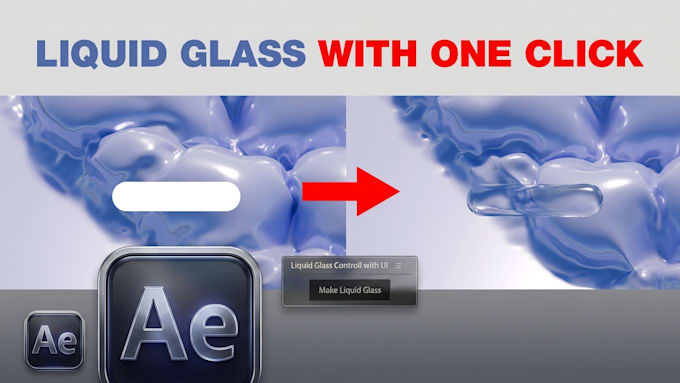
The Liquid Glass effect combines the fluid dynamics of a thick liquid with the optical transparency, refraction, and surface tension of polished glass.
- Optical Refraction & Distortion: Objects, colors, and backgrounds seen through the glass bend dynamically based on surface curvature, mimicking high refractive index optics (like caustic lens distortion).
- Glossy Specular Highlights: Crisp, bright edge reflections that trace the contours and fluid ripples, defining the 3D volume and depth under lighting.
- Fluid Viscosity & Surface Tension: Rounded, pillowy silhouettes that blend seamlessly into surrounding fluid surfaces, resembling melted glass, clear gel, or transparent mercury.
- Chromatic Dispersion: Subtle prism-like color separation along curved bevels and light-catching edges, giving it an iridescent, premium finish.
- Fresnel Transparency: The surface appears nearly invisible at direct viewing angles while becoming reflectiv
- and defined near grazing angles and silhouettes.
How to Use
- Open After Effects
- Go to Window > Extensions > Liquid Glass to open the UI panel
- Select your base layer
- Click Create Liquid Glass
- Fine-tune using the Control Layer sliders done!