Browse categories
Explore
Fiverr Pro
English
$
USD
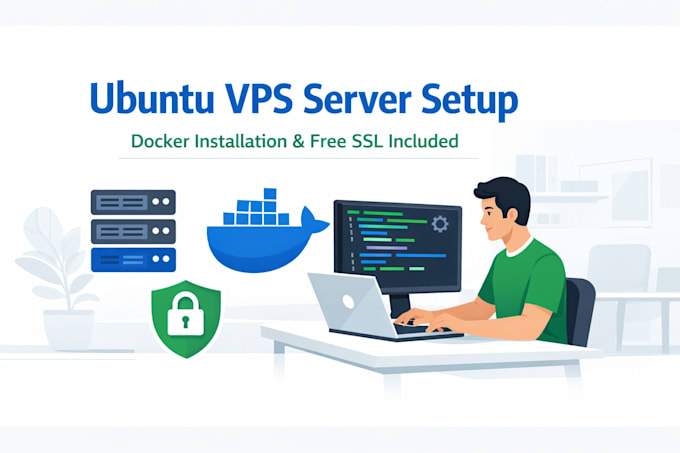
Professional Ubuntu VPS Server Setup & Secure Hosting
Are you looking to deploy your website or application on a reliable Linux VPS server?
I will professionally set up your Ubuntu VPS server and configure it to securely host your websites or applications with Docker and free SSL.
This service is ideal for startups, developers, SaaS projects, and businesses that need a production-ready server.
What I Will Do
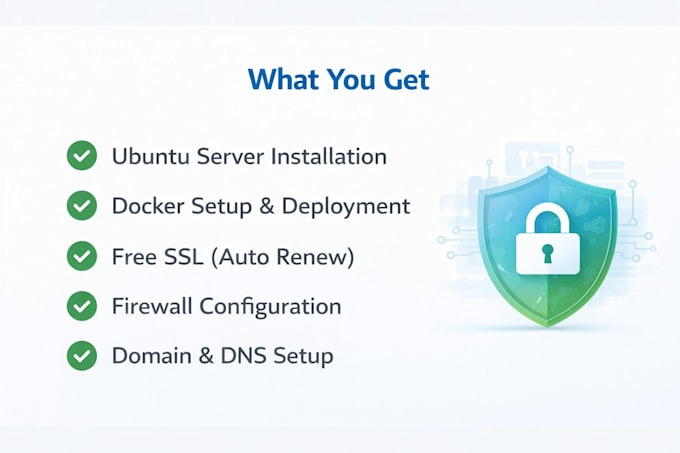
Install and configure Ubuntu server
Install Docker and required dependencies
Configure firewall and basic server security
Set up free Lets Encrypt SSL (auto-renew enabled)
Deploy your website or application
Configure domain and DNS
Create secure hosting environment
Performance optimization (Premium package)
Supported Applications
Node.js apps
PHP / Laravel
Static websites
Docker-based apps
Admin panels
Custom web applications
Why Choose Me?
Real hands-on VPS deployment experience
Clean and secure configuration
Proper SSL and firewall setup
Clear communication
Fast and reliable delivery
️ Please contact me before placing an order to discuss your requirements.
I do not provide VPS



Cloud provider:
Digital Ocean
Expertise:
Installation
•
Backup
•
Migration
•
Development
•
Configuration
Q: Do you provide VPS hosting?
No. You must provide your own VPS from providers like DigitalOcean, Contabo, Hetzner, etc. I will configure and deploy your server.
Q: What access do you need to start the work?
I will need VPS root access (IP, username, password or SSH key) and domain access if DNS configuration is required.
Q: Is the SSL certificate really free?
Yes. I install Let’s Encrypt SSL which is free and auto-renews automatically every 90 days.
Q: Can you migrate my existing website to the new VPS?
Yes, website migration is available as an extra service. Please contact me before placing the order.
Q: Do you provide ongoing server maintenance?
This gig includes server setup and deployment only. Ongoing maintenance or monitoring can be discussed separately.