Browse categories
English
$
USD
Connect to your AI
DevOps Engineer for AWS, Azure, Docker, Kubernetes and CI CD
Professional Web Application Deployment Service
Are you looking to deploy your web application on any cloud server quickly and securely?
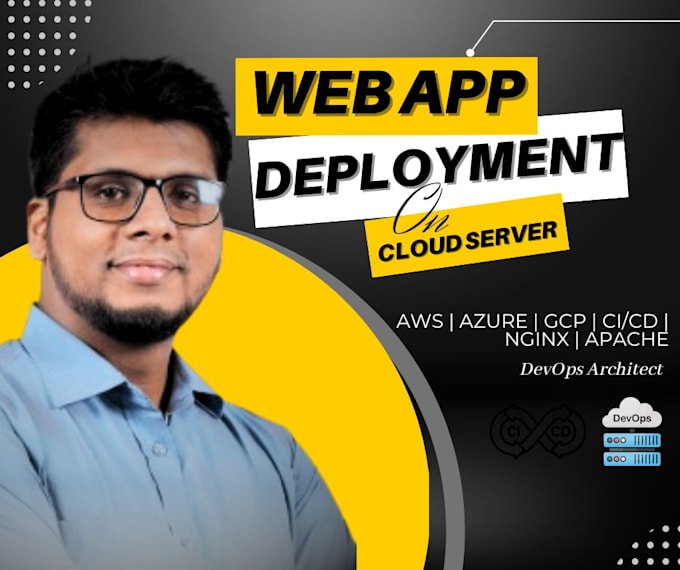
I will set up and configure your front-end and back-end applications on AWS, Azure, GCP, Digital Ocean, or any VPS hosting provider with best practices for performance and security.
What I Offer:
Why Choose Me:
Supported Platforms:
AWS | Azure | GCP | DigitalOcean | Linode | Vultr | Any VPS or Dedicated Server
Lets get your web application live today!



Which platforms or hosting providers do you support?
I can deploy your web application on any hosting server, including AWS, Azure, GCP, DigitalOcean, Linode, Vultr, or any VPS/dedicated server.
Do you provide CI/CD pipeline setup?
Yes! In the Standard and Premium packages, I will set up a basic CI/CD pipeline using GitHub Actions, GitLab CI/CD, or Jenkins to automate deployments.
Can you deploy both front-end and back-end applications?
Absolutely. I can deploy full-stack applications, including front-end and back-end, as long as the source code is provided.
Do I need to provide server access?
Yes, I will need SSH access to your server or control panel credentials, as well as your domain details if DNS configuration is required. All information will be handled securely.
Do you provide SSL installation?
Yes! SSL installation is available as an add-on service, or included in the Premium package if you have a certificate or want a free one (Let’s Encrypt).