Browse categories
Explore
Fiverr Pro
English
$
USD




You're manually moving data between tools. Email to CRM. Form submissions to spreadsheets. Tasks created in Slack. Hours lost to copy-paste.
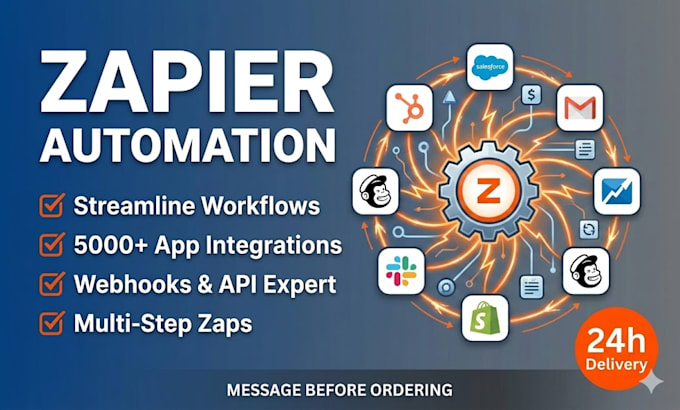
Zapier automation eliminates manual work. I build automated workflows that connect your tools, sync data in real-time, and trigger actions based on your business rules.
What I deliver:
Why Zapier automation saves time:
Common automations I set up:
Are you tired of working your business by yourself manually everyday, Message me now and let's build automation that works on it own.
CRM Automation Expert GoHighLevel Follow Up Boss Real Estate Systems
Languages
Q1: How many Zapier workflows will I get with this gig?
Basic: 1-2 workflows. Standard: 3-5 workflows. Premium: Unlimited. A "workflow" is a connected automation (e.g., form → CRM is one workflow).
Q2: Which tools can you integrate with Zapier?
Zapier supports 7,000+ apps (Stripe, Slack, Salesforce, HubSpot, Follow Up Boss, Google Sheets, etc.). If your tools are on Zapier, I can integrate them. I'll confirm before we start.
Q3: How long does it take to set up Zapier automation?
Basic: 3 days. Standard: 5 days. Premium: 7-10 days. Depends on complexity and how many workflows you need. Rush delivery available for +$50.
Q4: Do I need a Zapier account and paid plan?
Yes, you'll need a Zapier account. Most automation requires at least a paid plan (depending on task volume). I can guide you on the right plan tier based on your workflows.
Q5: What happens if one of my tools changes their API?
Rarely happens, but if it does, the Zapier workflow will alert you. I can help troubleshoot and fix it—usually a simple reconfiguration.
Q6: Can I modify the workflows myself after you set them up?
Yes. Zapier workflows are built in a visual editor—you can edit them (though I recommend you contact me for changes to avoid breaking things). I provide full documentation.
Q7: Will my automation stop working if I don't pay my Zapier bill?
If your Zapier plan lapses, workflows pause. Once you re-activate, they start again. I recommend setting up payment reminders so you don't lose automations.