Browse categories
Explore
Fiverr Pro
English
$
USD
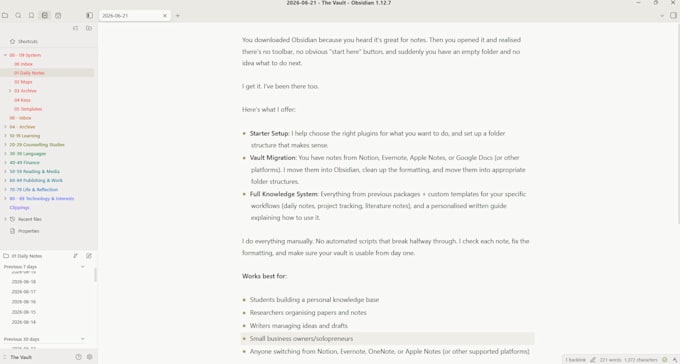
You downloaded Obsidian because you heard it's great for notes. Then you opened it and realised there's no toolbar, no obvious "start here" button, and suddenly you have an empty folder and no idea what to do next.
Here's how I can help:
I do everything manually. No automated scripts that break halfway through. I check each note, fix the formatting, and make sure your vault is usable from day one.
Works best for:


Which platforms can you migrate from?
Notion, Evernote, Apple Notes, Google Docs, OneNote, and plain Markdown files. If you're using something else, message me and I'll check.
Do you just run a script and call it done?
No. I do everything manually. That means clean formatting and manual moves!
I don't know what plugins I need. Can you recommend?
Yes. I'll ask what you want to use Obsidian for (study, writing, project management) and choose the best plugins for that use case.
Will I still understand my vault after you set it up?
Yes. I keep the structure logical and will include a short guide with your delivery. (Premium)
What if I already started setting things up and made a mess?
That's fine. Message me and I'll take a look!