Browse categories
Explore
Fiverr Pro
English
$
USD

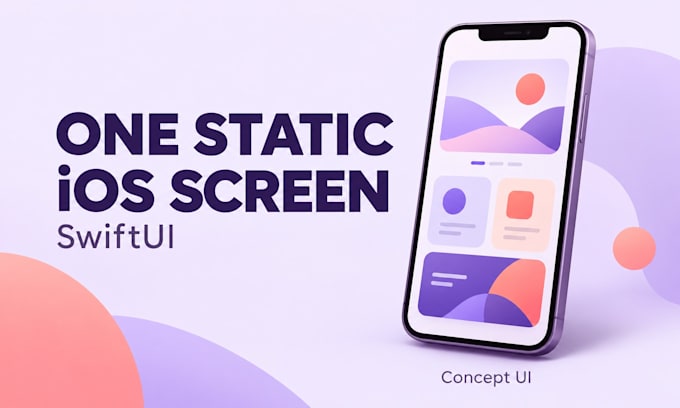
Have a Figma design for an iPhone app? I turn it into clean SwiftUI code.
I build static SwiftUI screens that match your design, with mock data, ready to drop into your Xcode project.
How it works:
1. You send the Figma file or a clear export with all text, colors, fonts and assets
2. We agree on the target iPhone size and iOS version
3. I build the screens and check them against your design in the simulator
You get SwiftUI source code, simulator screenshots of each screen, and short setup notes.
Getting ready to submit? Add the App Store submission check. I review your build, metadata and screenshots against Apple's App Review Guidelines and send a written fix list. If you were rejected, I help you write your reply to App Review. You submit yourself, so I never need your Apple ID.
Not included: new designs, complex animations, live APIs, logins, payments, backend, submitting for you or a full working app.
Only send materials you have rights to use. Remove passwords, API keys and personal data.
The service is provided by a minor under an account owned by the parents of Anthony and managed by them.
iOS App and Web Developer
Languages
Do I get a full working app?
No. You get static SwiftUI screens with sample data, source code and screenshots. Live data, logins, payments and backend are not included. I don't submit for you, but the App Store submission check extra reviews your app before you do.
What do I need to send?
A complete Figma design or clear export for each screen, with all text, colors, fonts and assets you have rights to use. Tell me your target iPhone size and iOS version.
Can you design the screen for me?
No. This gig builds your existing design in SwiftUI. Revisions cover matching that design, not a new design.
What does the App Store submission check include?
I review a TestFlight build or your source, plus your metadata, screenshots and privacy details, against Apple's App Review Guidelines. You get a written fix list ranked by rejection risk. If Apple already rejected you, I help draft your reply.
Do you need my Apple ID or App Store Connect login?
No. You submit the app yourself. Send me a TestFlight invite or the source code, your App Store text and screenshots, and any rejection message. I never need your Apple ID, password or two-factor codes, and I can't promise Apple will approve.
