Browse categories
English
$
USD
Connect to your AI
AI Automation and Python Engineer, n8n, Claude Code, Data Pipelines
Copying invoices and PDF tables into Excel by hand is slow, and one typo can break your numbers. I'll extract the data for you, and prove it's right.
Why work with me:
What I can extract:
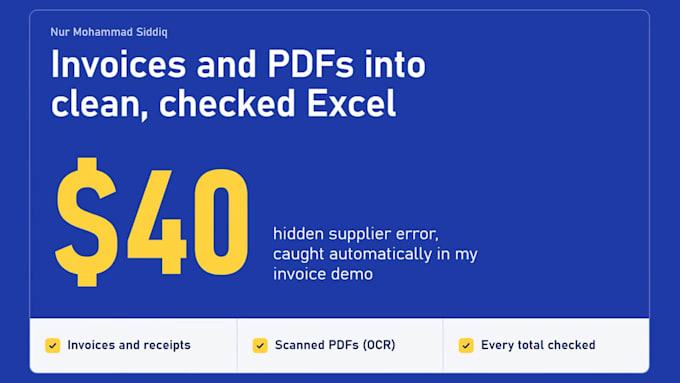
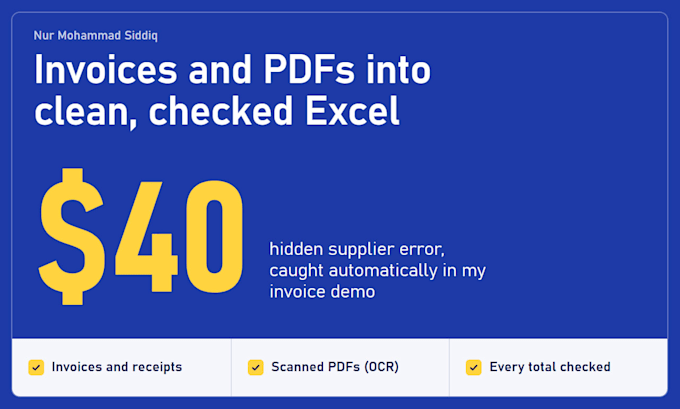
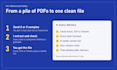
See the demo in my gallery: 12 invoices in 3 layouts, 60 line items, read in under a second, and a hidden $40 supplier error caught automatically.
How it works:
Your files stay private and are deleted after delivery.

Convert from:
Convert to:
XLS, XLSX
Can you extract data from scanned PDFs?
Yes, with OCR. Scans can contain reading errors, so I check every total and mark anything unclear for review. Send one sample page first so I can confirm the quality.
My invoices come from many suppliers. Is that a problem?
No. Each layout gets its own rule, and every invoice is checked the same way. The demo in my gallery reads 3 different layouts in one run.
What if a total doesn't match?
It goes on a needs-review list with the exact difference. I never change a number to make it fit.
Can I reuse it next month?
Yes, with the Premium package. You get a Python script with simple run steps, so you can process new PDFs yourself in seconds.
What happens to my files?
I use them only for your order, never share them, and delete them after delivery.