Browse categories
Explore
Fiverr Pro
English
$
USD
OBS and Streaming Systems Engineer
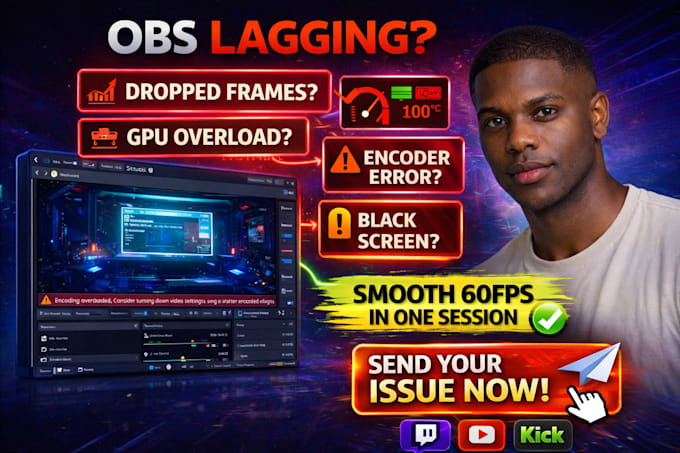
Dealing with OBS lag dropped frames stream freezing or encoder overload during live sessions, A poor OBS configuration can ruin viewer retention reduce stream quality and make your content look unreliable
Your stream should run at stable FPS cleaner visuals and smooth playback without GPU overload bitrate spikes or black screen issues
What you get:
Expected results:
Send your current lag issue PC specs or OBS settings and get a clean optimized workflow built for smooth streaming from your very next live session
NOTE: KINDLY CONTACT BEFORE ORDERING.

Software:
OBS Studio
Platform:
•
Twitch
•
YouTube
•
Kick
Purpose:
Gaming
•
Music
•
Lifestyle
•
Business
•
News
•
Streamshare
•
Webinar
1) What do you need from me to get started?
To fix OBS lag properly, I’ll need your PC specs (CPU, GPU, RAM), current OBS settings, target resolution/FPS, streaming platform, and a quick note on the issue (dropped frames, encoder overload, black screen, freezing, etc.). If possible, send screenshots or OBS log files too.
2) How fast can you fix lag or dropped frames?
Most lag and encoder issues can be diagnosed and optimized within the same day, depending on how complex the setup is. Simple bitrate or FPS issues are usually fast, while advanced GPU overload, dual-monitor conflicts, or long-session instability may need deeper tuning. For urgent creators.
3) Will this improve stream quality and viewer retention?
Yes smoother FPS, fewer dropped frames, and stable bitrate directly improve viewer watch time, stream professionalism, and retention. A laggy stream makes viewers leave quickly, while a clean 60FPS workflow keeps people watching longer and builds trust in your content quality.
4) Can you fix encoder overload and GPU usage issues?
Absolutely. Encoder overload is often caused by the wrong combination of resolution, FPS, bitrate, encoder type, scene complexity, browser sources, or GPU load. Your setup will be tuned for the best balance between quality and performance, so you get smoother gameplay and a stable stream.
5) Do you support Twitch, YouTube, and Kick?
Yes the optimization is tailored to your platform because each one handles bitrate and playback differently. Your settings will be adjusted specifically for Twitch, YouTube, Kick, or multistream workflows, helping you get the best visual quality and stable playback for your audience.
6) What if the lag comes back later?
Every order includes a clean optimized preset and clear settings structure so it’s easy to maintain. If your issue is caused by future upgrades, plugin changes, or a new game scene, I also offer advanced optimization and long-session stability support as an easy upgrade path.
7) Can you optimize my full OBS workflow too?
Yes — if you also want scene cleanup, recording presets, plugin optimization, webcam balance, or dual-PC stability, this can be added as part of the Standard or Premium workflow. Many buyers start with lag fixes and upgrade into a full performance + stream quality optimization setup.
